
Screenshots
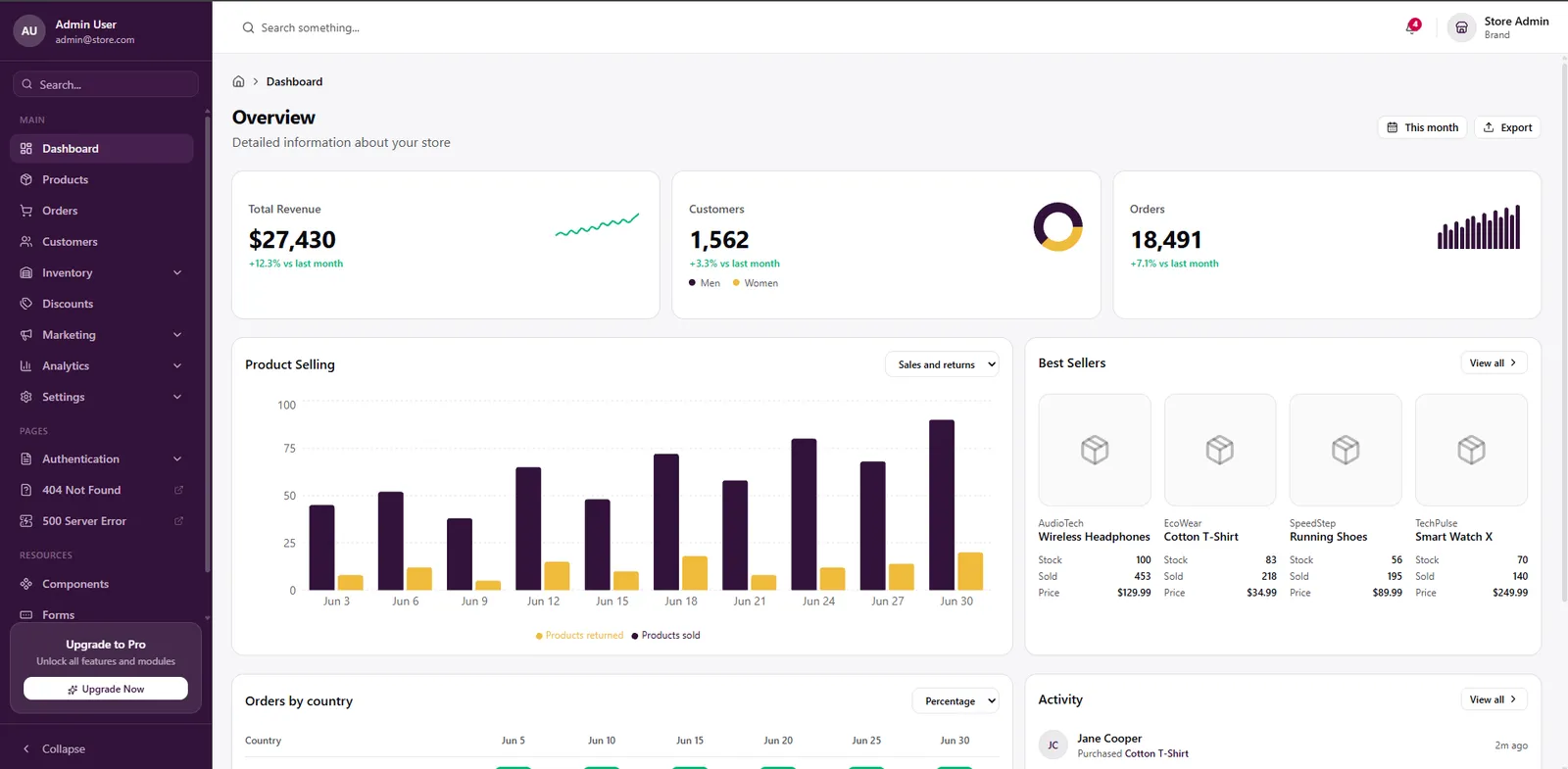
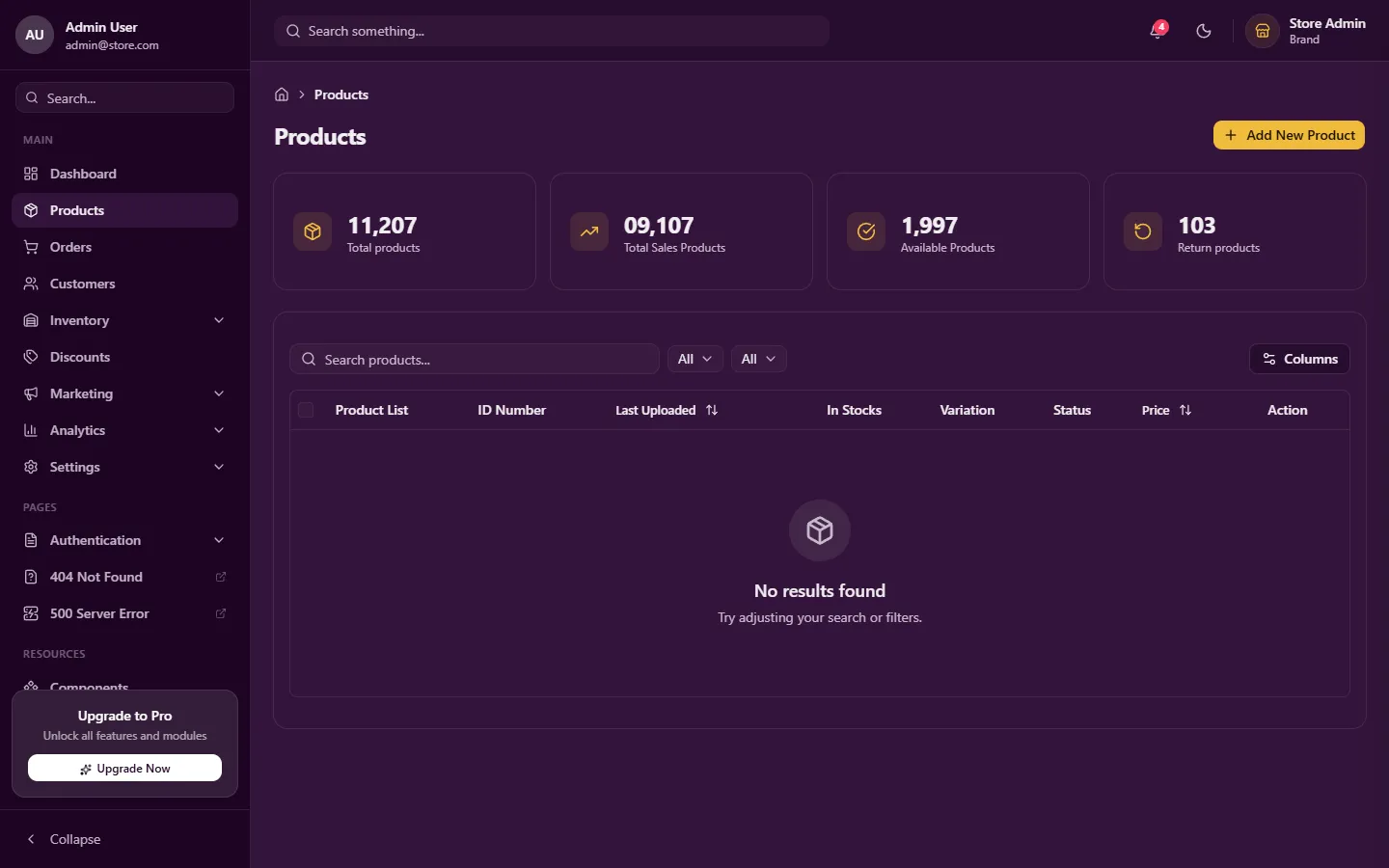
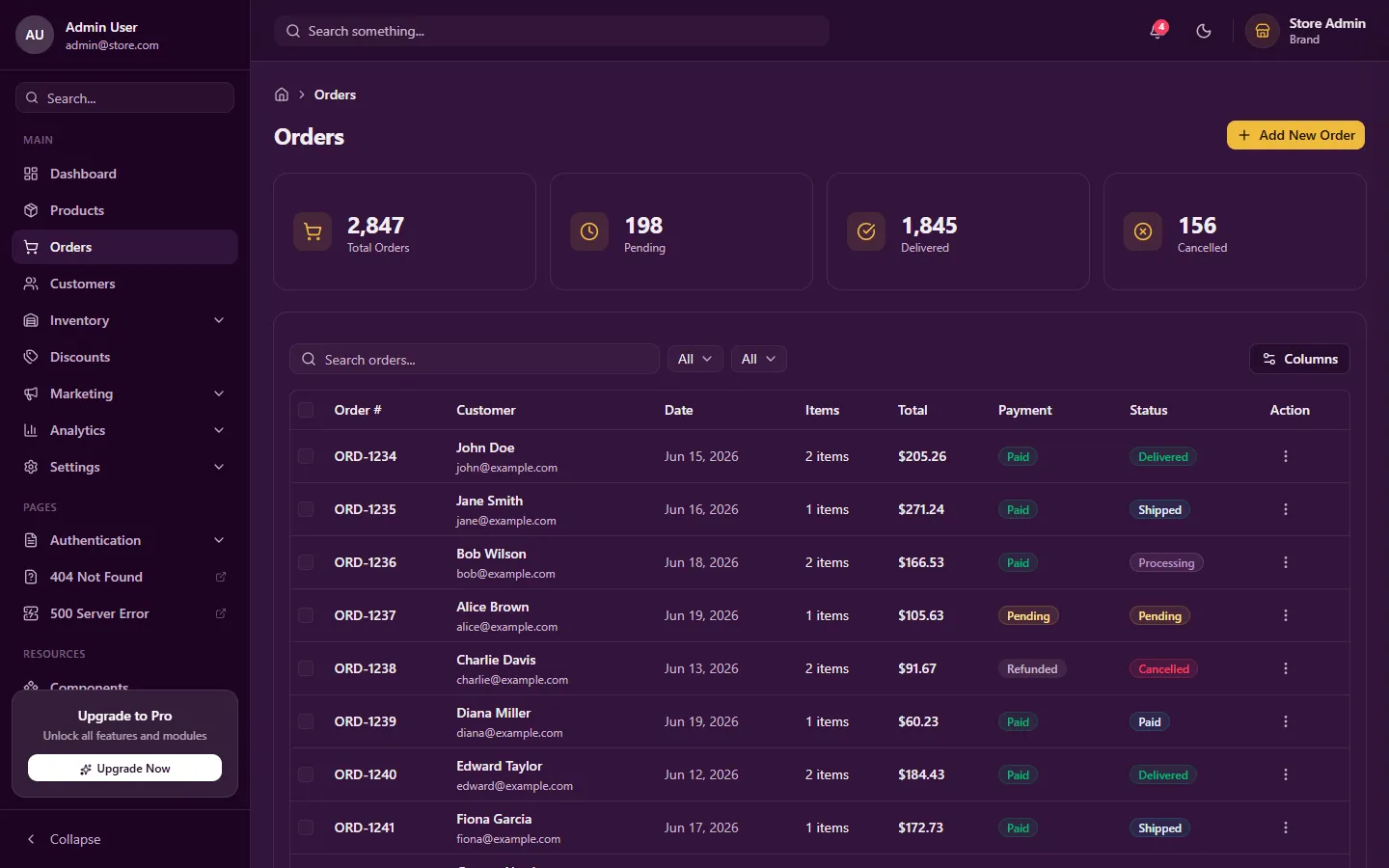
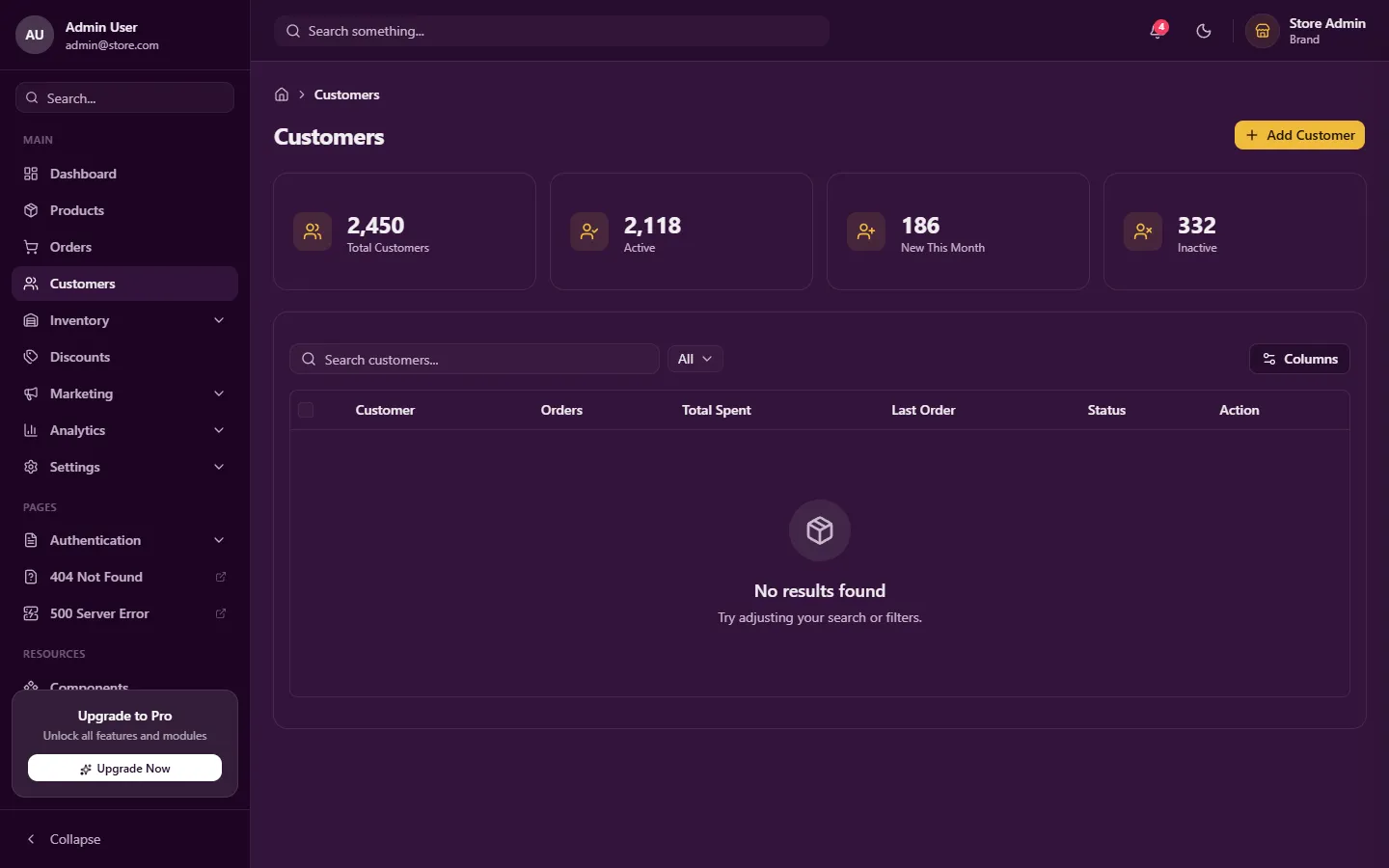
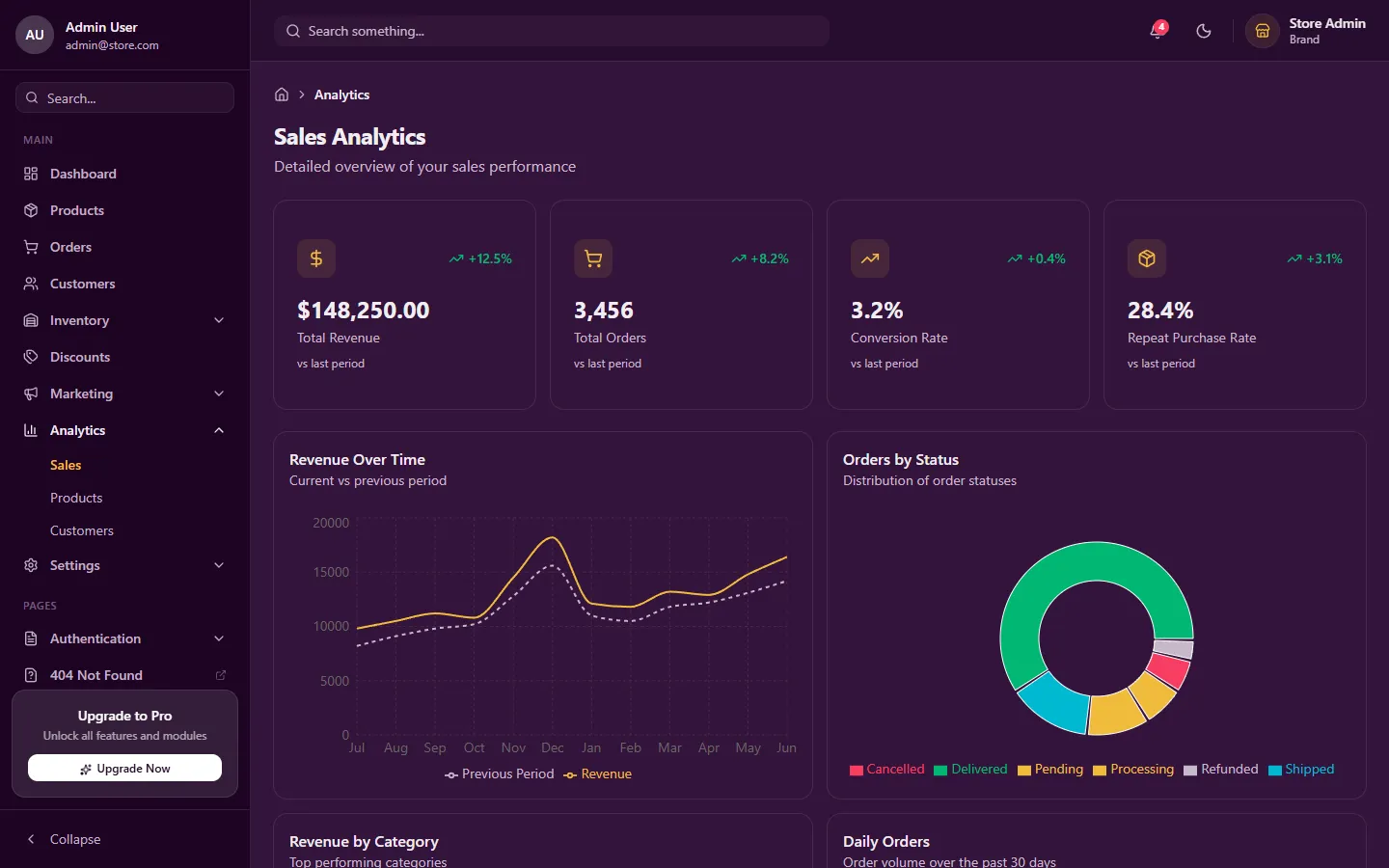
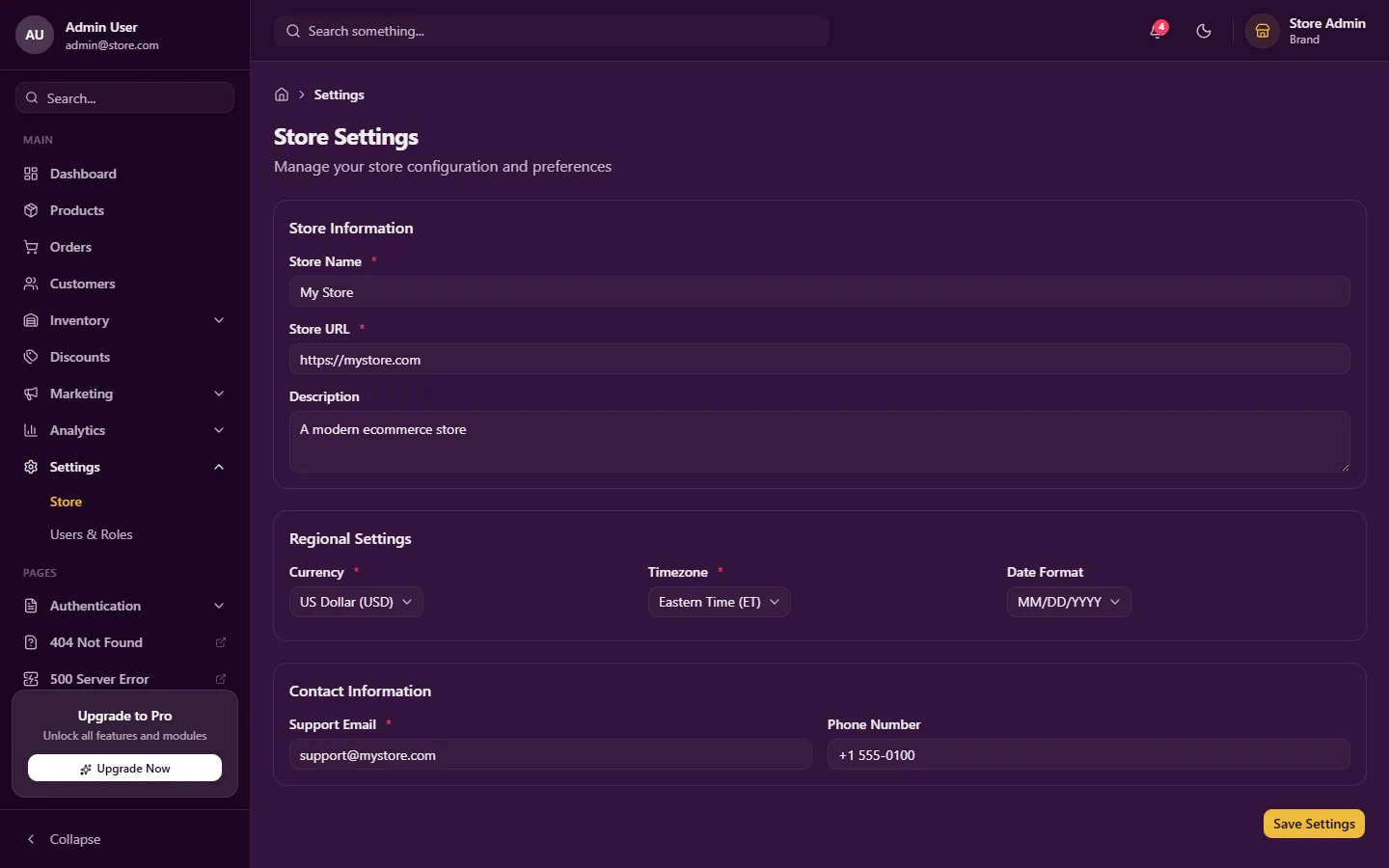
Click a screenshot to open it full size, or explore everything in the live preview.
Quick start
You need Node.js 20 or newer and npm. Clone the repository, install the dependencies and start the dev server:
git clone https://github.com/codespanda/brisk-admin.git
cd brisk-admin
npm install
npm run dev
Then open http://localhost:5173. Changes reload instantly. You can also download the code as a ZIP from GitHub (Code → Download ZIP).
Scripts
npm run devStart the Vite dev server with hot reloadnpm run buildBuild into dist/ and copy index.html to 404.html for GitHub Pagesnpm run previewServe the built dist/ folder locally to check itnpm run lintLint the code with ESLintProject structure
Built with Vite and TypeScript. The parts you'll work in most:
src/
  pages/               Dashboard, orders, products, inventory, warehouses, customers,
                       marketing, campaigns, discounts, analytics, users, settings…
  features/            Module logic: analytics, auth, customers, dashboard, discounts,
                       inventory, marketing, orders, products, settings
  layouts/             App shell, sidebar and top bar
  components/          shadcn/ui primitives and shared pieces
  constants/
    navigation.ts      Sidebar items
    status-maps.ts     Status labels and colors
  stores/              Zustand stores
  services/            Data access layer, ready to point at an API
  docs/                The in-app documentation pages
  globals.css          Tailwind v4 theme and CSS variables
Customise the content
src/constants/navigation.tsSidebar sections and links.src/constants/status-maps.tsOrder and payment status labels and badge colors.src/services/Replace the mock data with your API.Colors and theme
src/globals.cssColors are CSS variables mapped into the Tailwind v4 @theme block, with light and dark modes.Pages and routing
React Router: pages live in src/pages/ and the sidebar reads src/constants/navigation.ts.
Deployment
npm run build writes a static site to dist/, so it runs on any static host. The repository is set up for GitHub Pages:
- 1In the repository, open Settings → Pages and set Source to GitHub Actions.
- 2Push to the default branch. The workflow in .github/workflows/ builds the site and publishes it.
- 3To use your own domain, add it under Settings → Pages → Custom domain.
npm run build with output folder dist.Component reference
Brisk Admin ships with its own in-app documentation covering every component, layout and pattern, with live examples. Open it next to your code while you build.
Open the component docsGood to know
- To ship without the bundled documentation, delete src/docs/ and its route. The repo README explains the steps.
License
Brisk Admin is free and released under the MIT license. Use it for personal and commercial projects, including client work, with no attribution required beyond keeping the license notice in the code.