
Screenshots
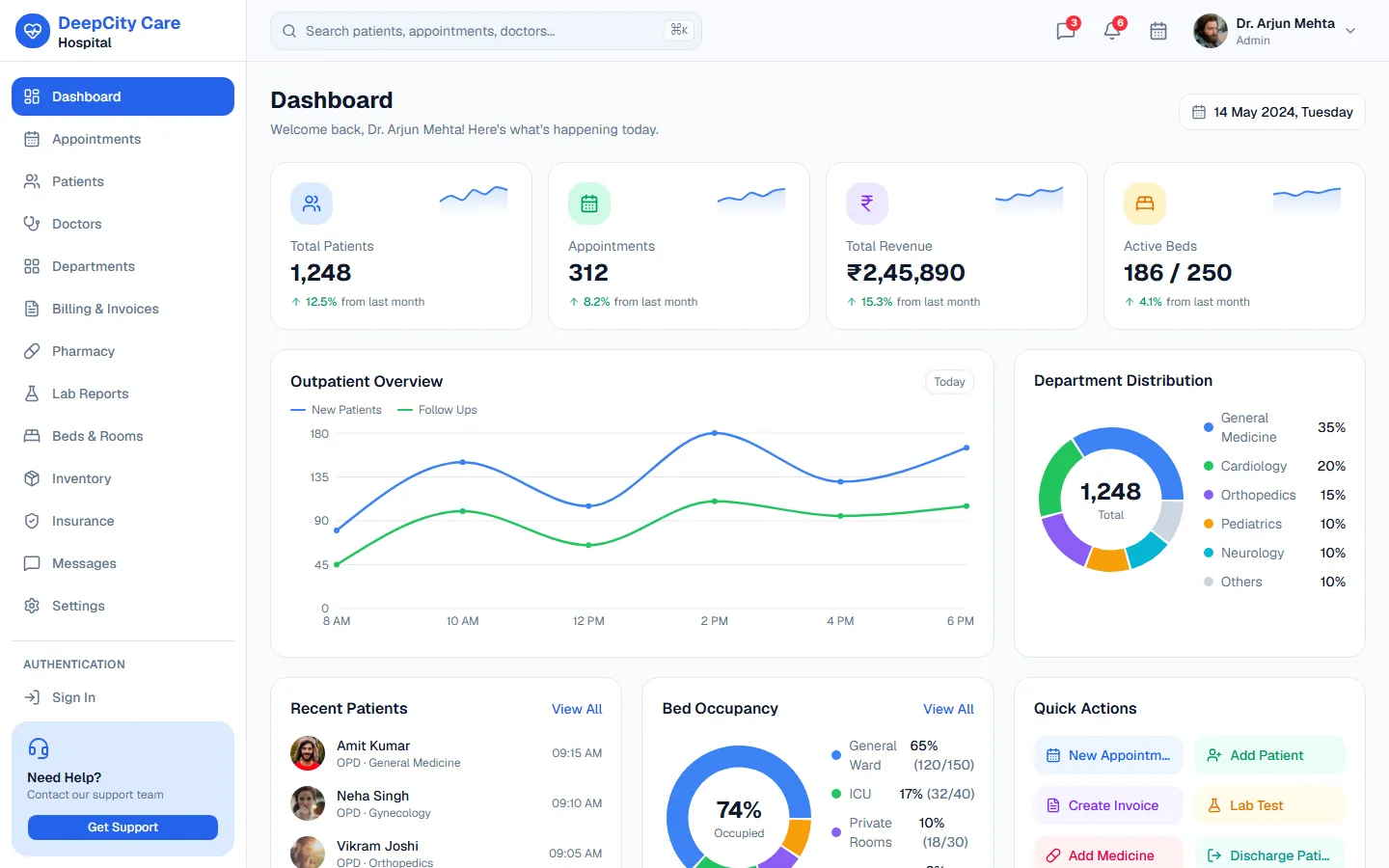
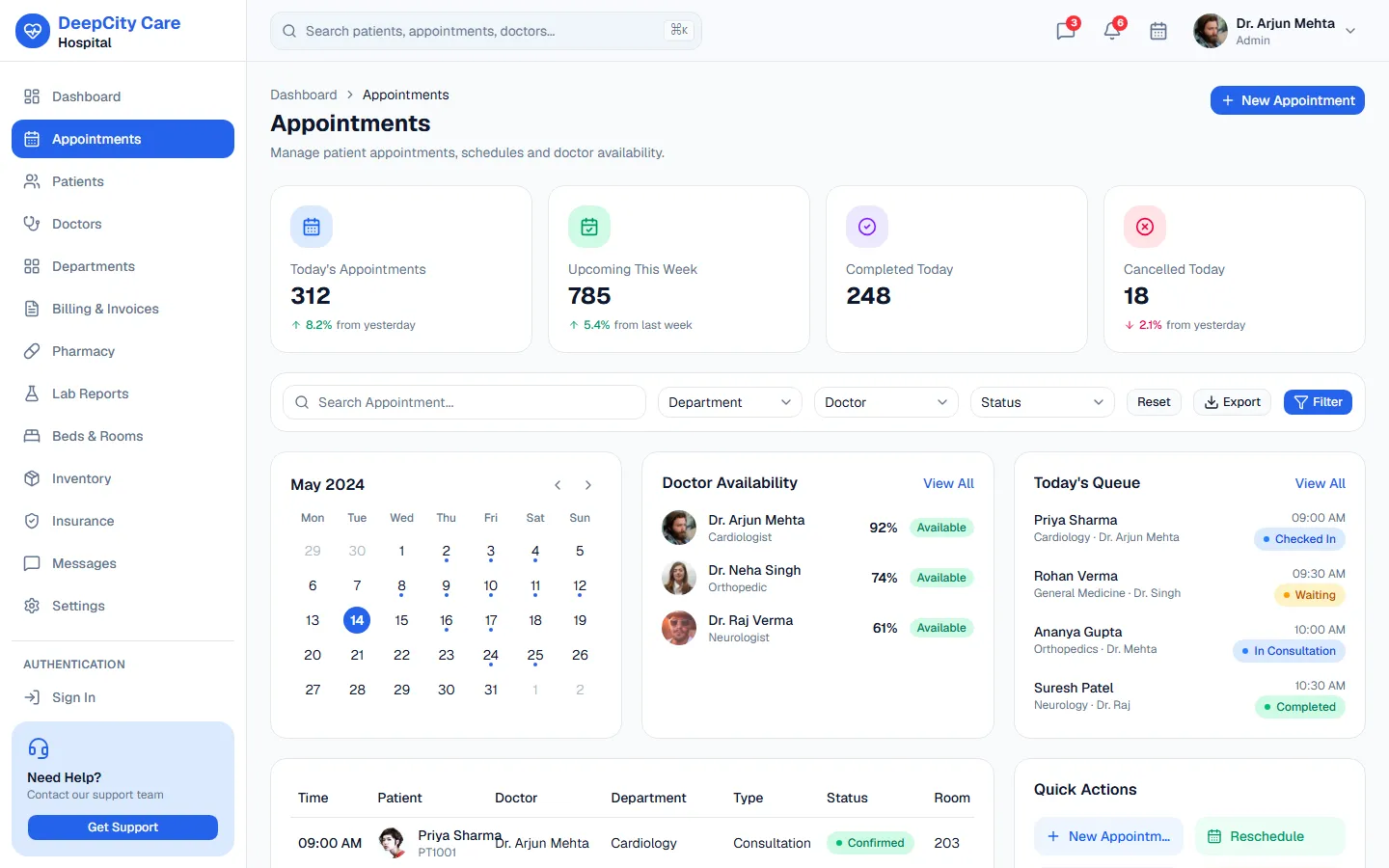
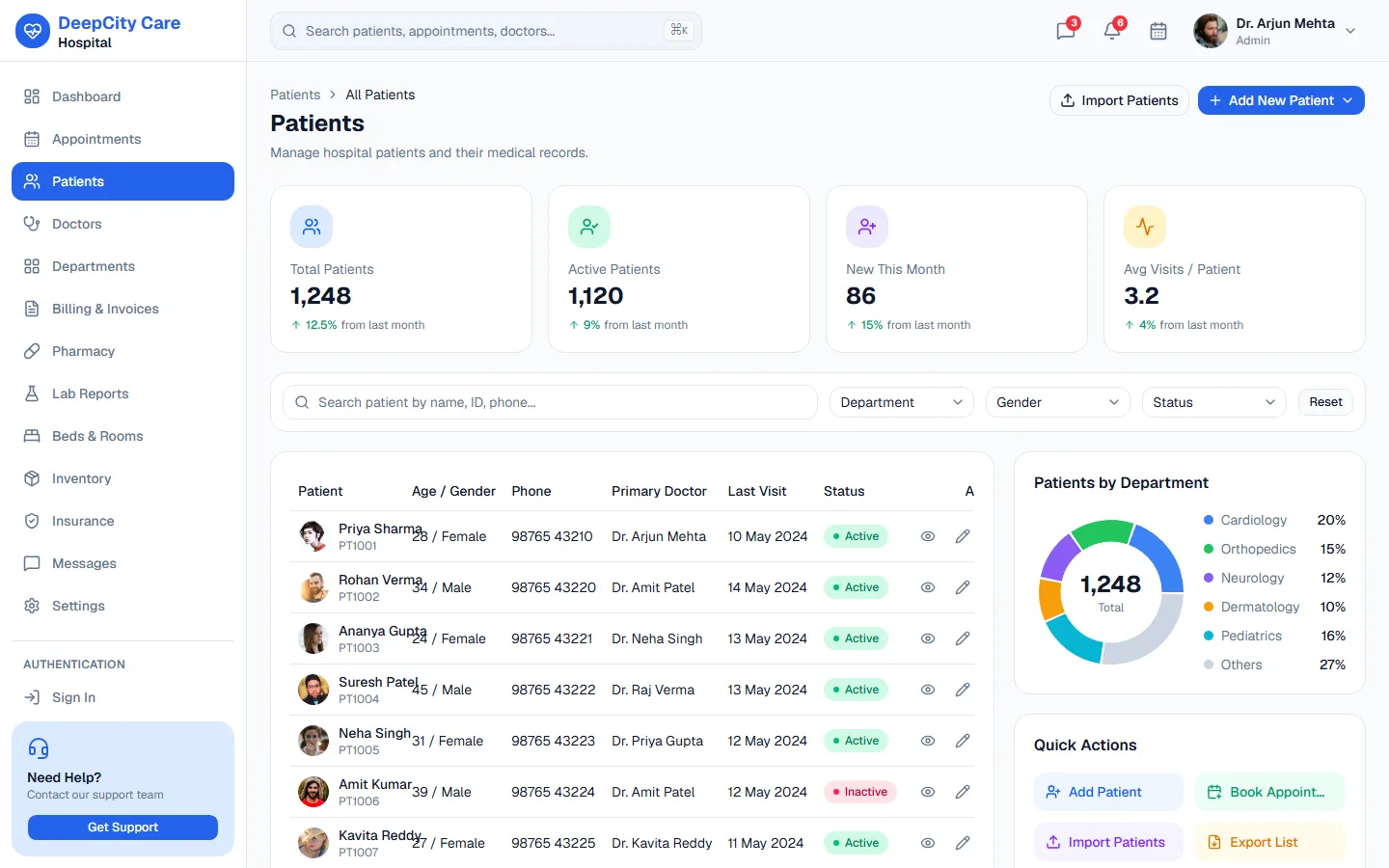
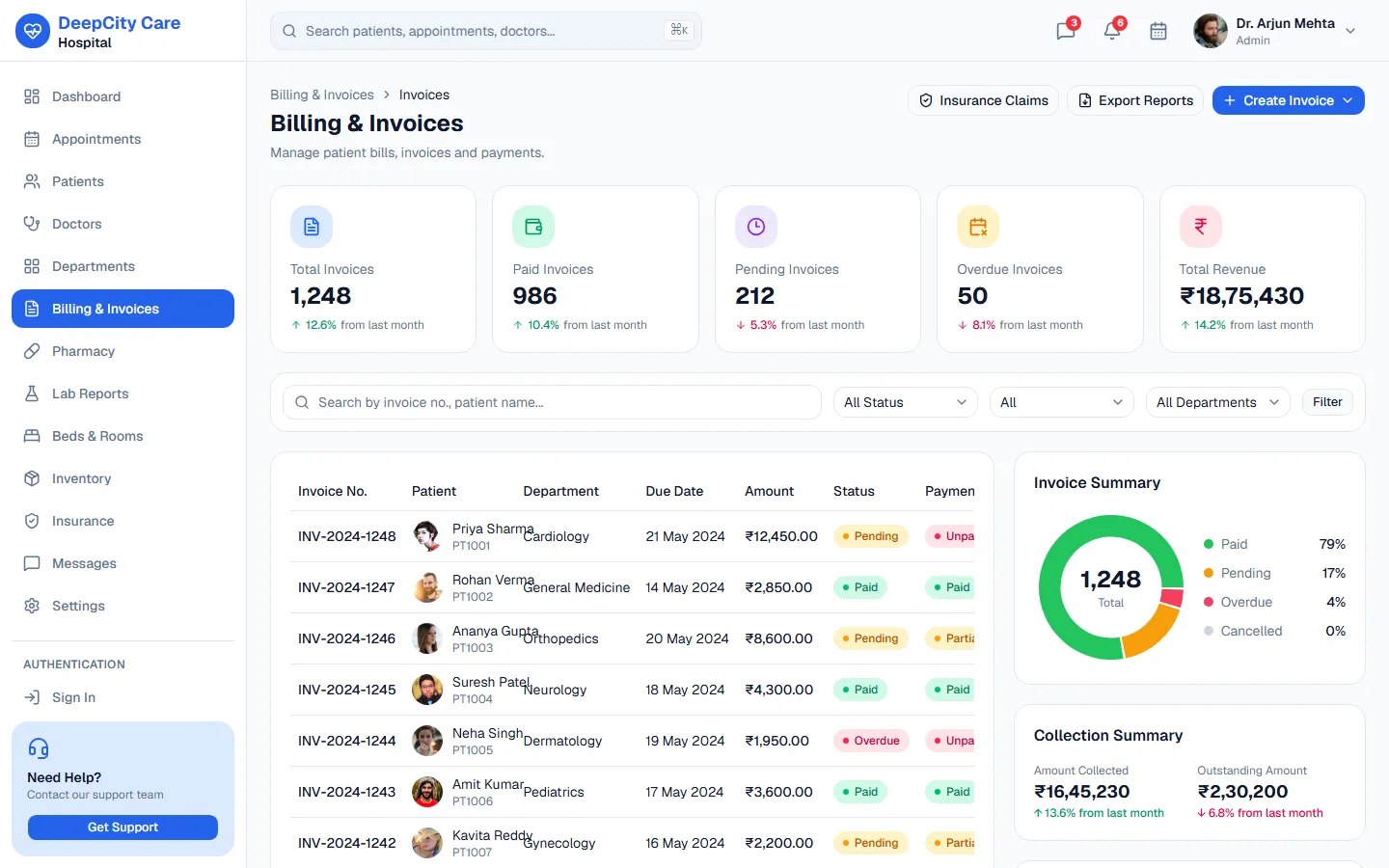
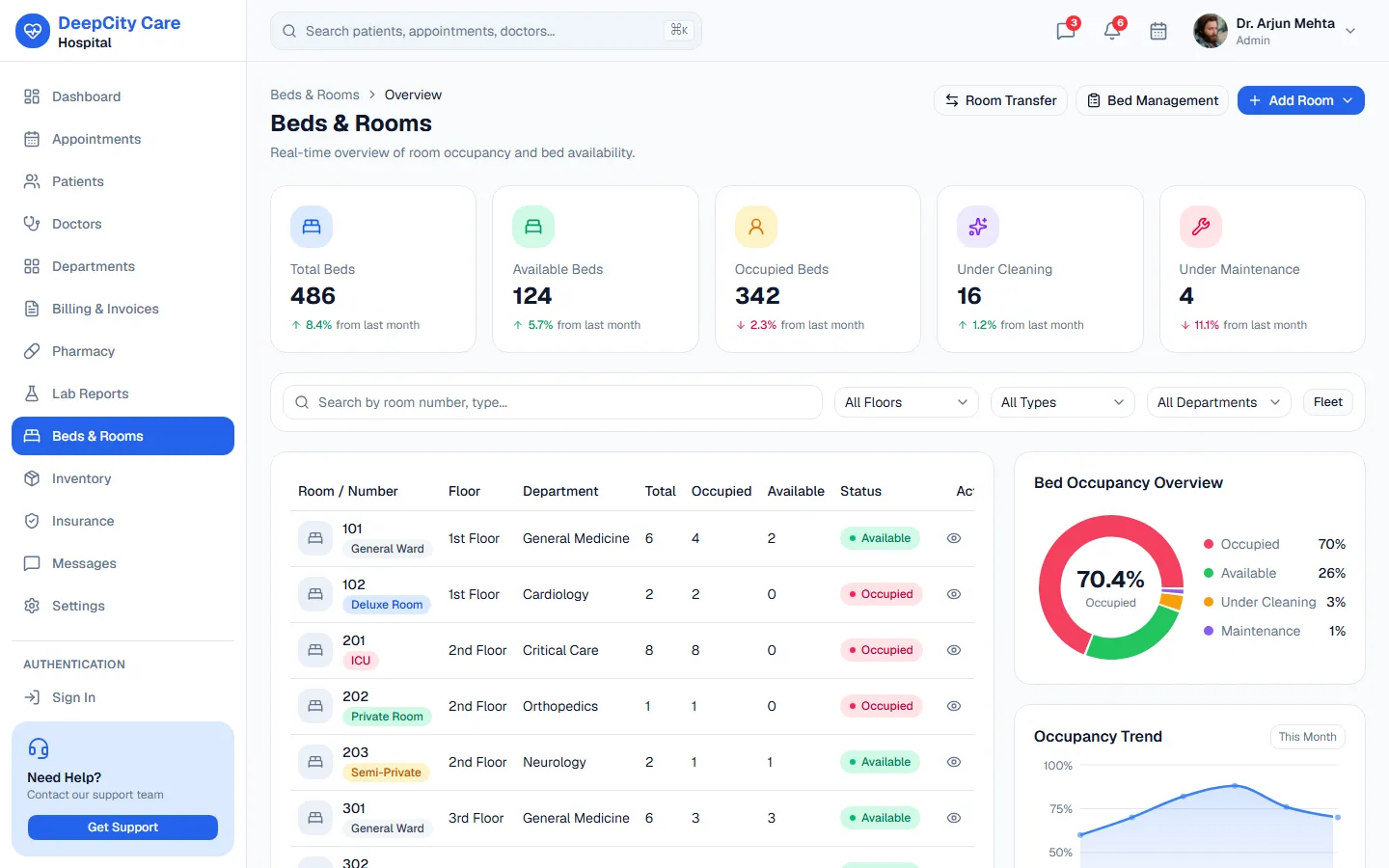
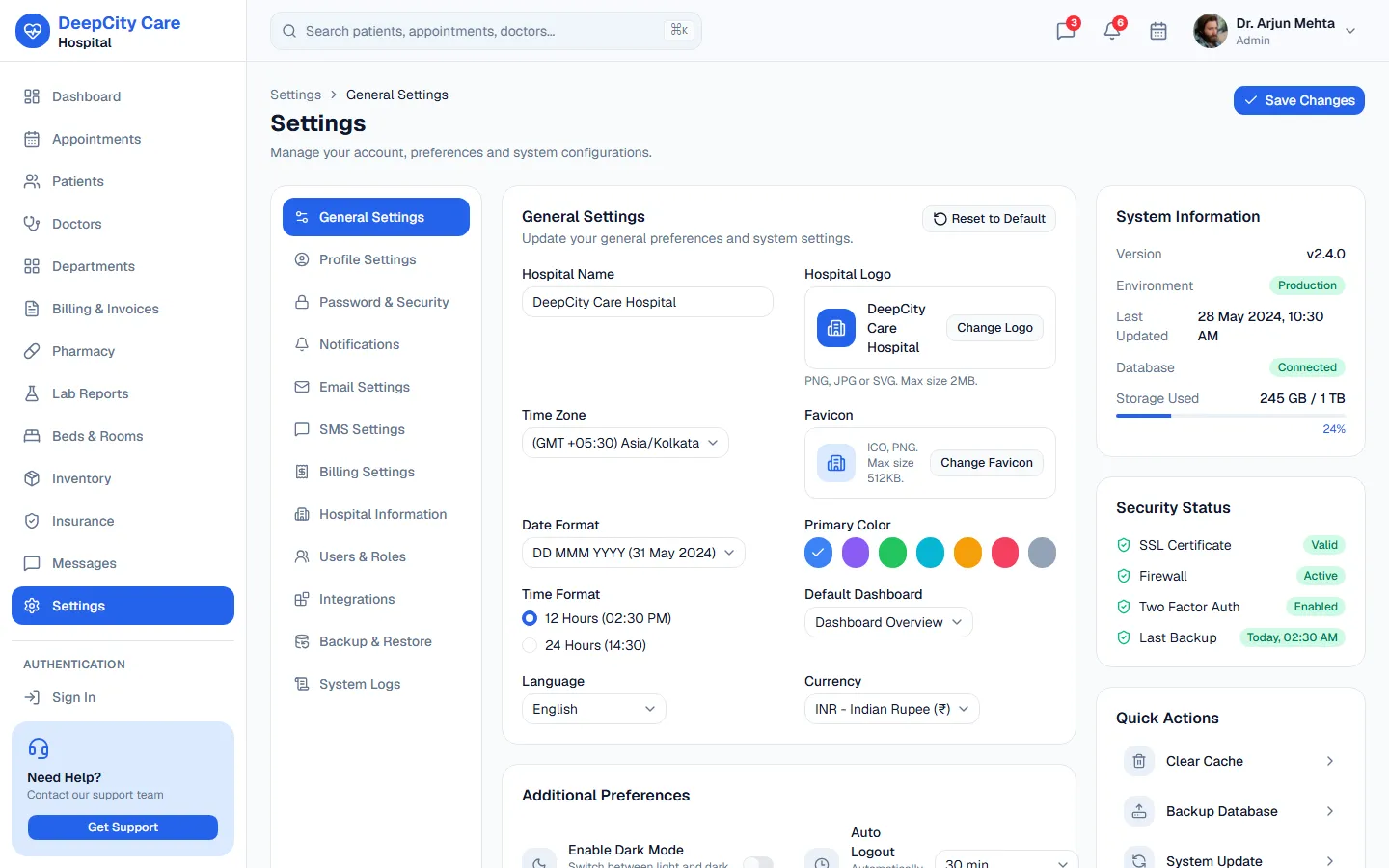
Click a screenshot to open it full size, or explore everything in the live preview.
Quick start
You need Node.js 20 or newer and npm. Clone the repository, install the dependencies and start the dev server:
git clone https://github.com/codespanda/deepcity-care-hospital.git
cd deepcity-care-hospital
npm install
npm run dev
Then open http://localhost:5173. Changes reload instantly. You can also download the code as a ZIP from GitHub (Code → Download ZIP).
Scripts
npm run devStart the Vite dev server with hot reloadnpm run buildType-check and build the production site into dist/npm run previewServe the built dist/ folder locally to check itnpm run lintLint the code with Oxlintnpm run deployBuild and publish dist/ to the gh-pages branchProject structure
Built with Vite and TypeScript. The parts you'll work in most:
src/
  pages/               30+ screens: dashboard, patients, doctors, appointments,
                       beds & rooms, pharmacy, lab reports, billing, insurance,
                       inventory, messages and 12 settings tabs
  components/          Layout, tables, charts and shadcn/ui primitives
  data/                appointments.ts, beds.ts, departments.ts, doctors.ts, insurance.ts,
                       inventory.ts, invoices.ts, labReports.ts, medicines.ts, patients.ts
  lib/                 Helpers
  App.tsx              Routes
  index.css            Tailwind v4 theme and CSS variables
public/404.html        Deep-link fallback for GitHub Pages
Customise the content
src/data/One file per record type (patients, doctors, beds, invoices…). Swap these for API calls when you add a backend.src/pages/Each screen reads from the matching data file.Colors and theme
src/index.cssColors are CSS variables mapped into the Tailwind v4 @theme block, with light and dark modes.Pages and routing
React Router: routes are declared in src/App.tsx. Add a page in src/pages/, then its route and sidebar link.
Deployment
npm run build writes a static site to dist/, so it runs on any static host. The repository is set up for GitHub Pages:
- 1Run npm run deploy. It builds the site and pushes dist/ to a gh-pages branch with the gh-pages package.
- 2In the repository, open Settings → Pages and set Source to Deploy from a branch → gh-pages.
- 3To use your own domain, add it under Settings → Pages → Custom domain.
npm run build with output folder dist.Component reference
DeepCity Care Hospital ships with its own in-app documentation covering every component, layout and pattern, with live examples. Open it next to your code while you build.
Open the component docsLicense
DeepCity Care Hospital is free and released under the MIT license. Use it for personal and commercial projects, including client work, with no attribution required beyond keeping the license notice in the code.