
FinCore Accounting
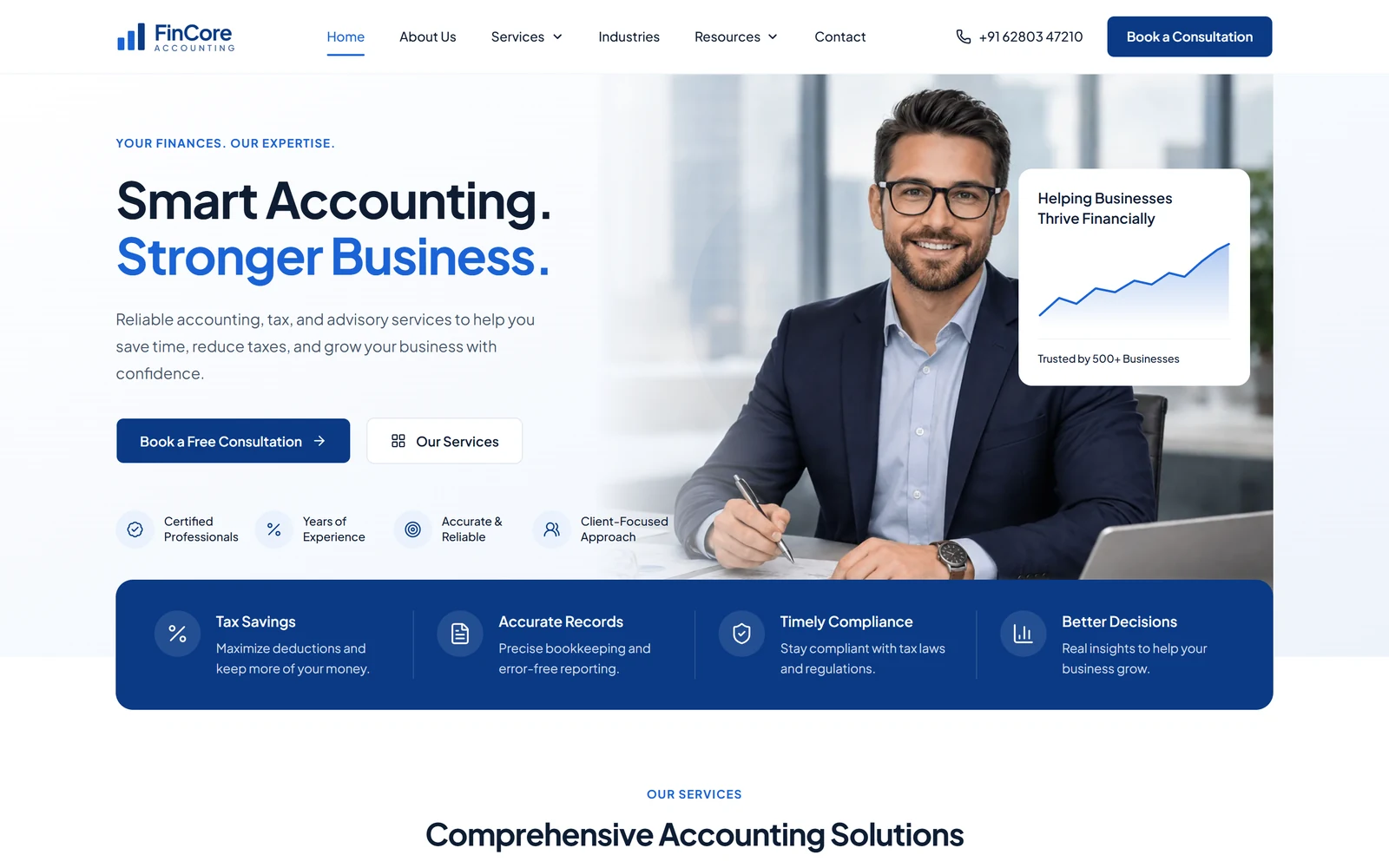
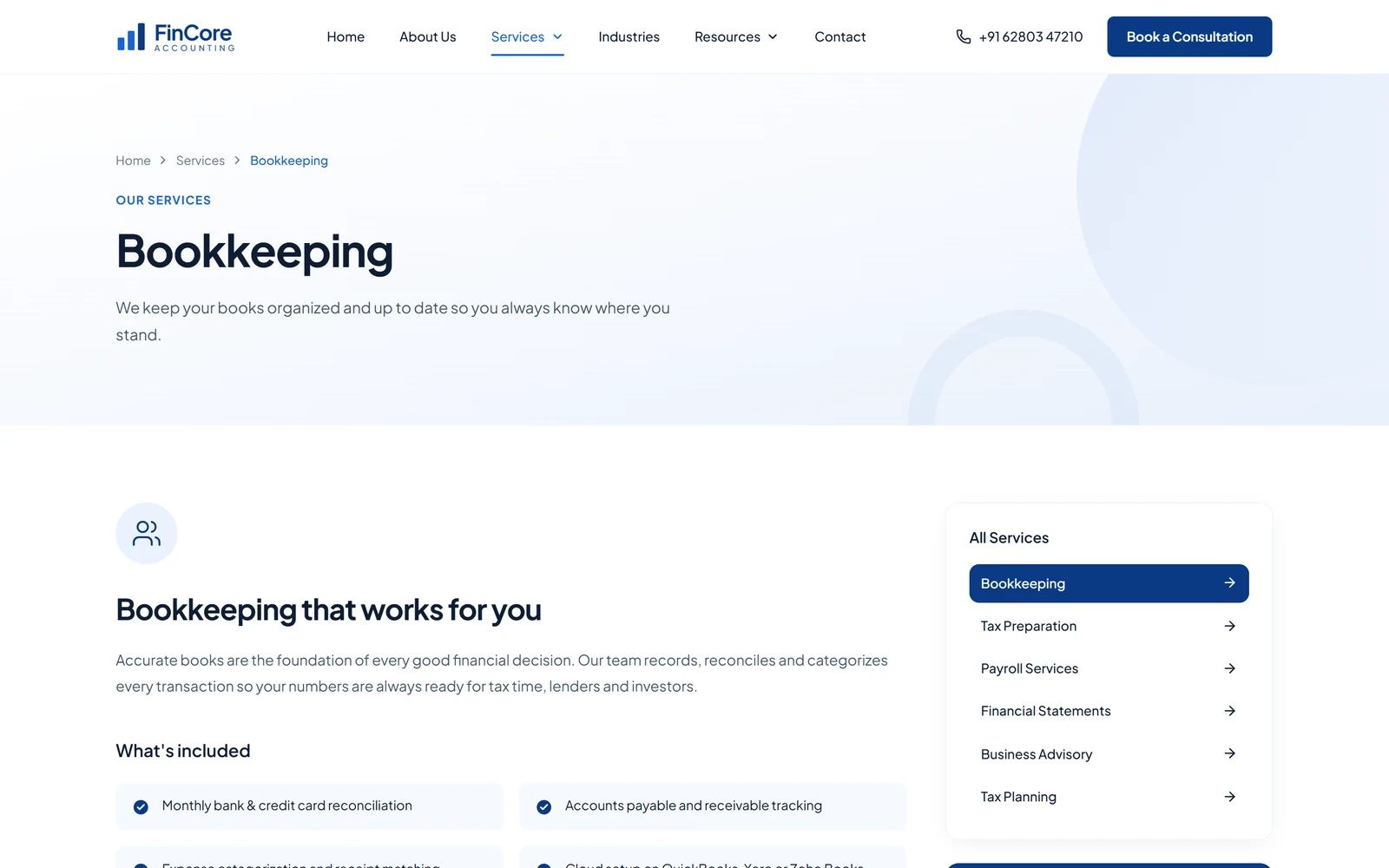
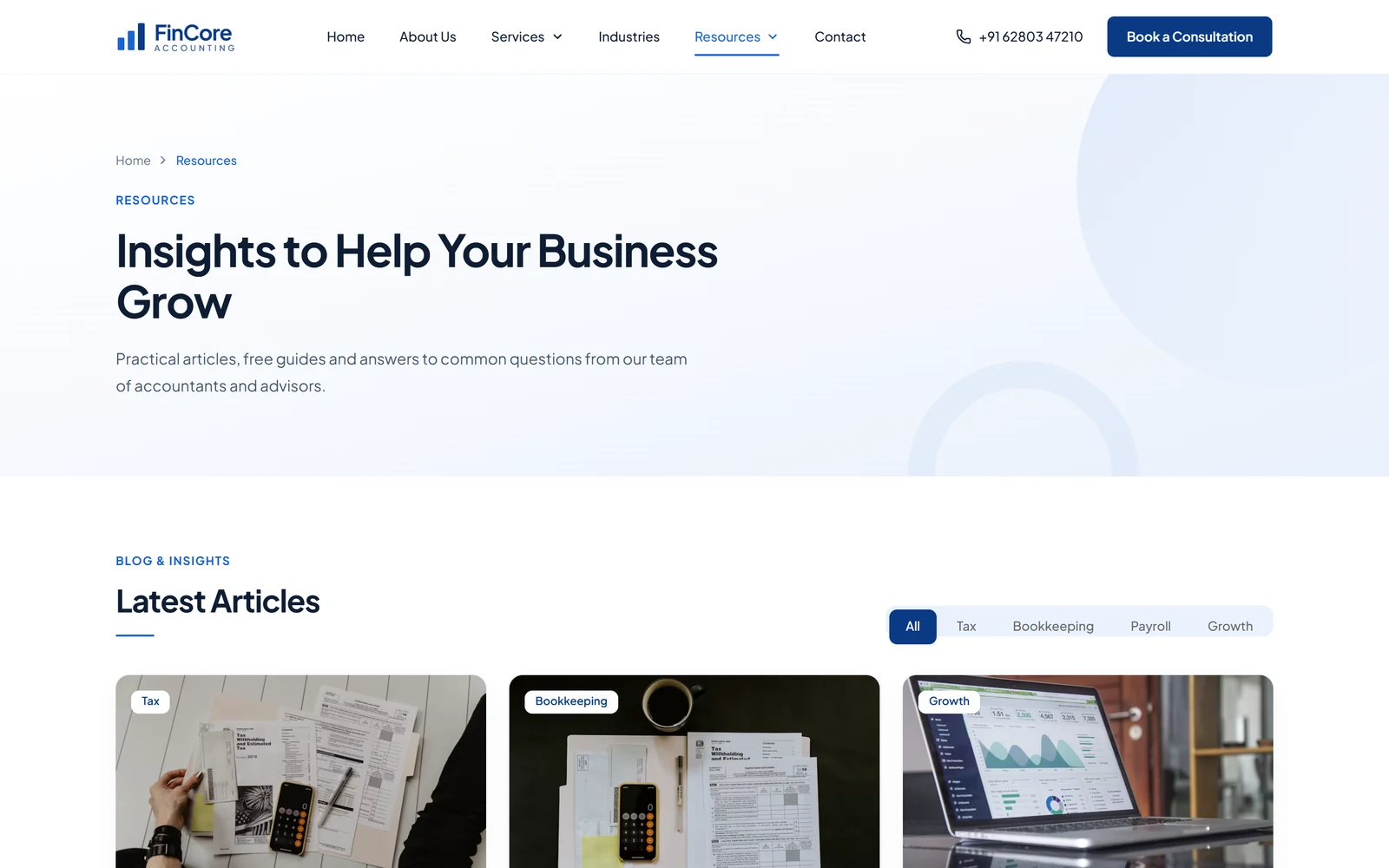
A professional multi-page website for an accounting, tax or bookkeeping firm — six service pages, eight industries served, a resources hub with articles, guides and FAQs, an about page with the team, and a contact page with a consultation form and map, in a confident navy design.
- Tech stack
- React 19 · TypeScript · Vite · Tailwind CSS v4 · shadcn/ui
- Dark mode
- No
- Responsive
- Yes
- License
- MIT
- Last updated
- October 2026
- Full source code
- Documentation
- Lifetime updates
What's inside


Frequently asked questions
What is it built with?
React 19 and TypeScript with Vite, Tailwind CSS v4, shadcn/ui components (on Base UI) and React Router. It builds to a static site you can host anywhere.
Who is it for?
Accounting, bookkeeping, tax and CPA firms, financial advisors and payroll providers. Services, industries, team, articles and FAQs are plain data, so swap them for your own.
Does the contact form send anything?
Not out of the box. It shows a confirmation on the page. Connect it to a form service, email API or your CRM in src/pages/contact.tsx.
How do I change the content?
Everything lives in src/data/site.ts: contact details and hours, navigation, the six services and their page content, industries, team, articles, guides and FAQs. Pages update automatically.