
Screenshots
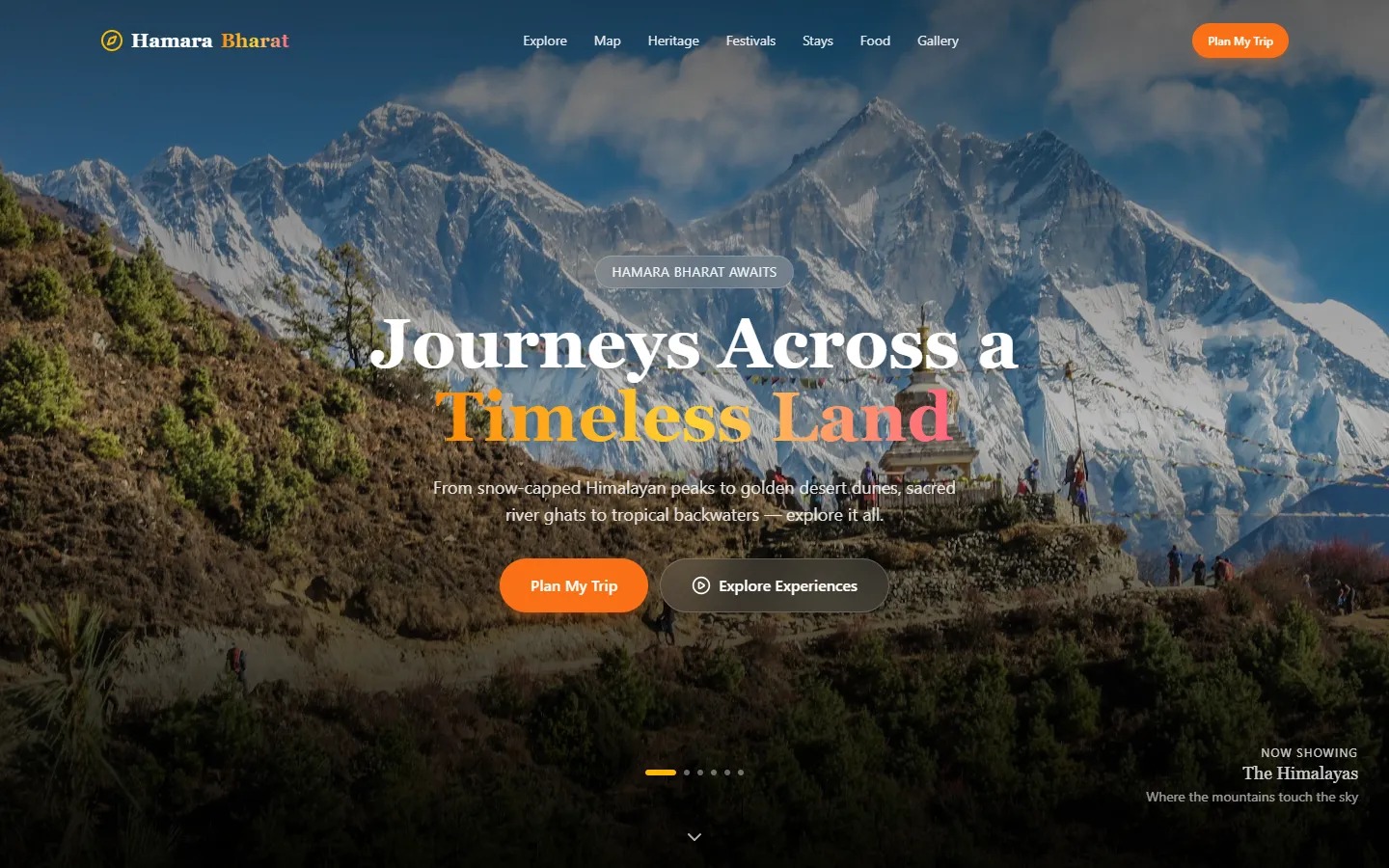
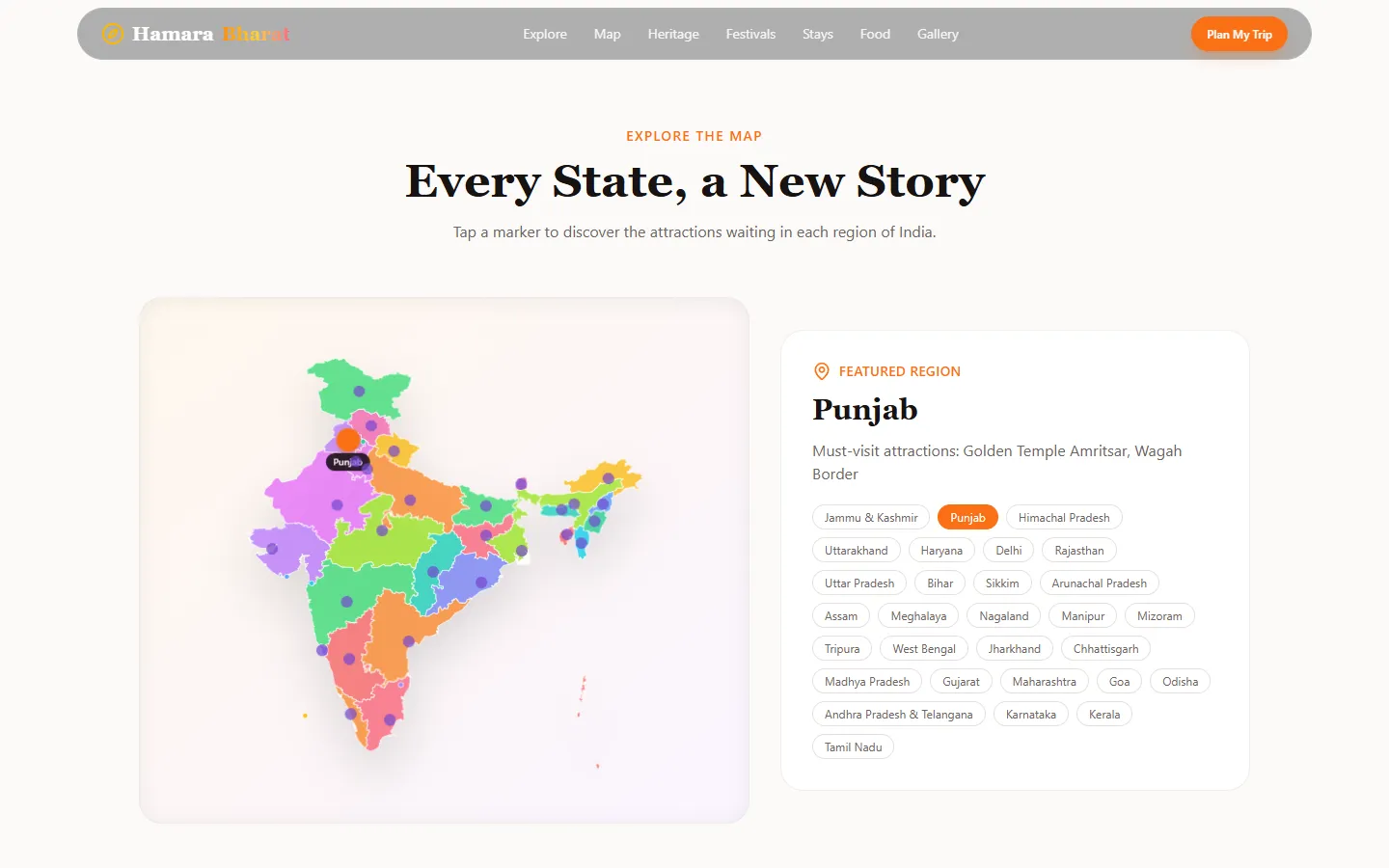
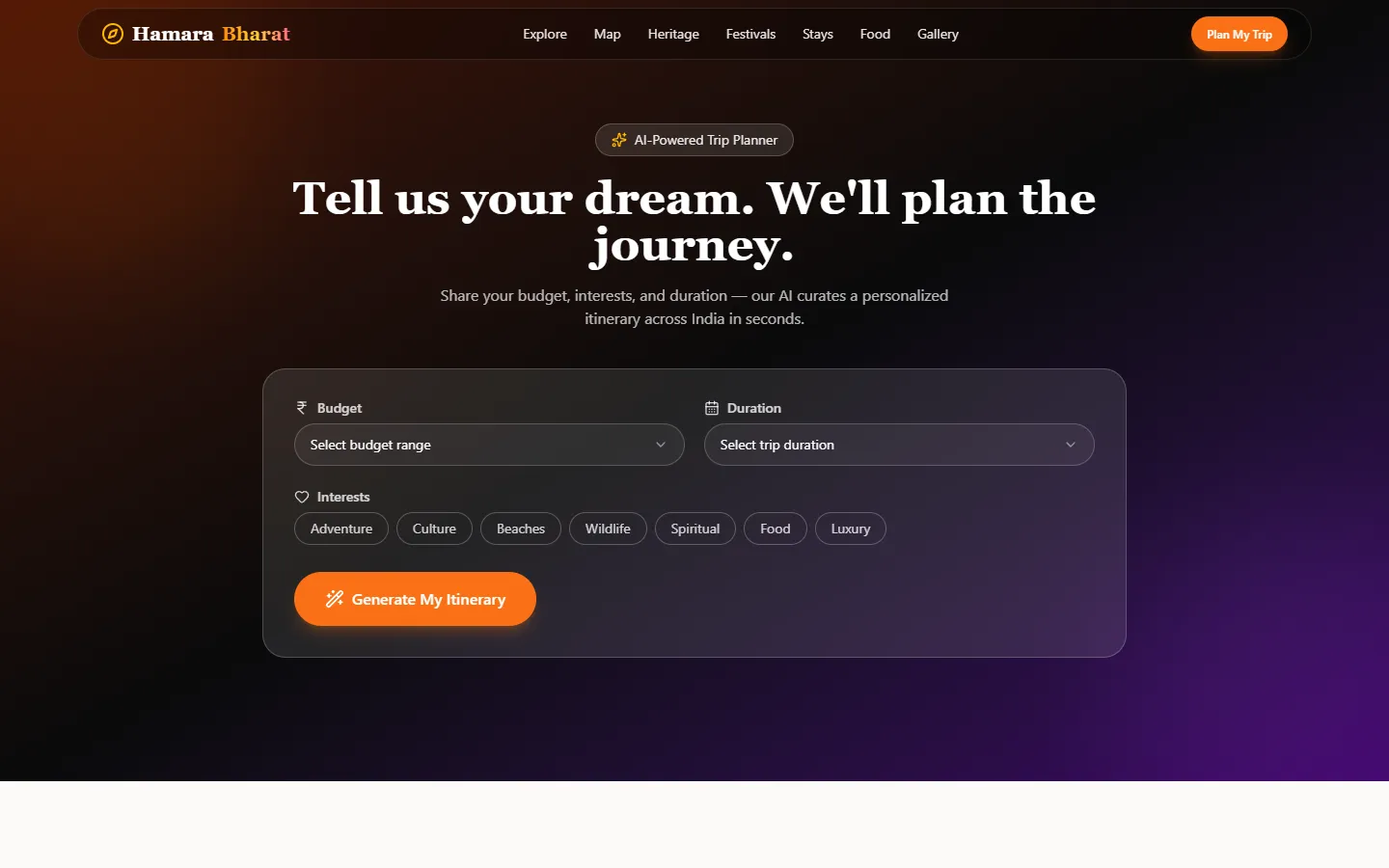
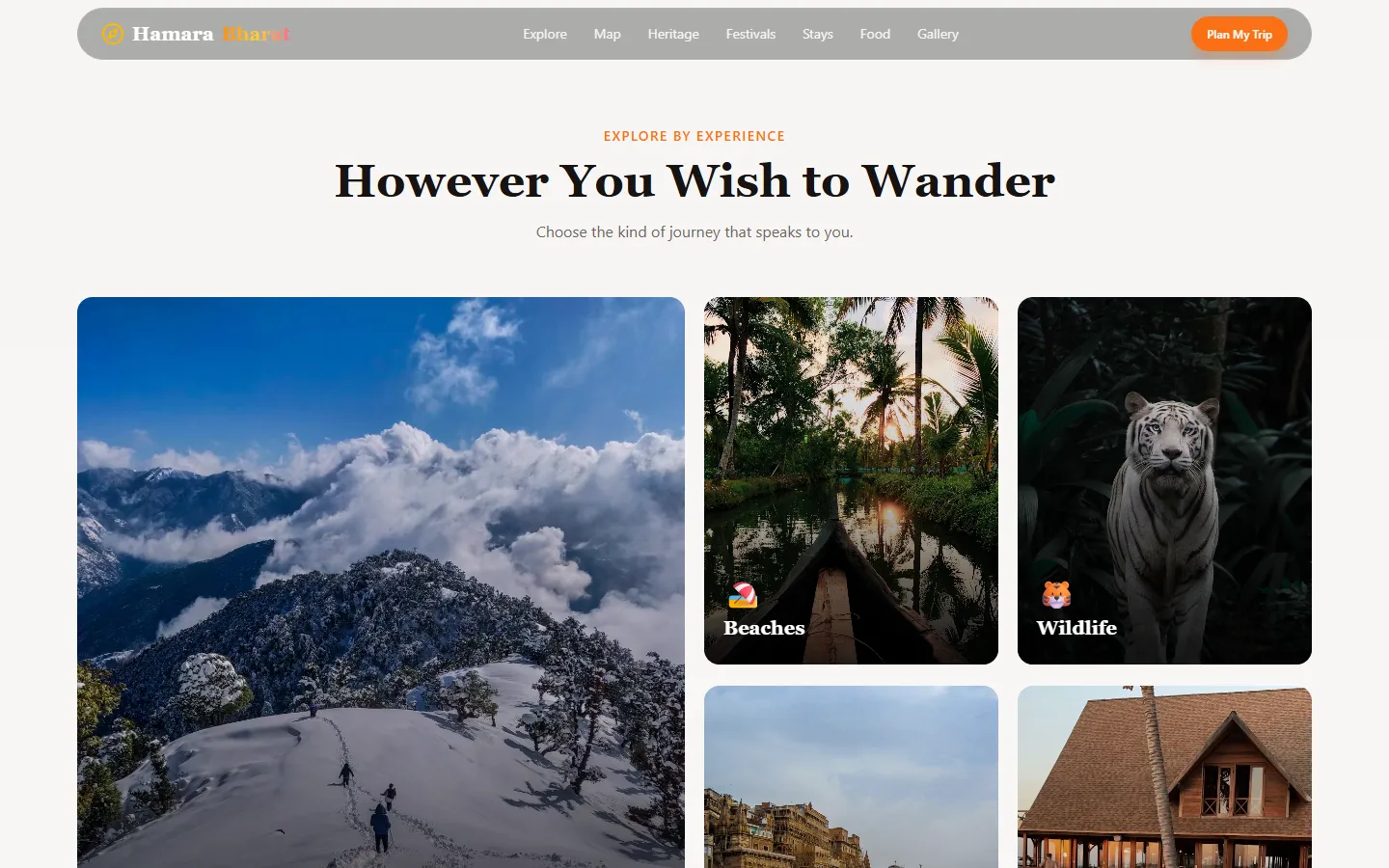
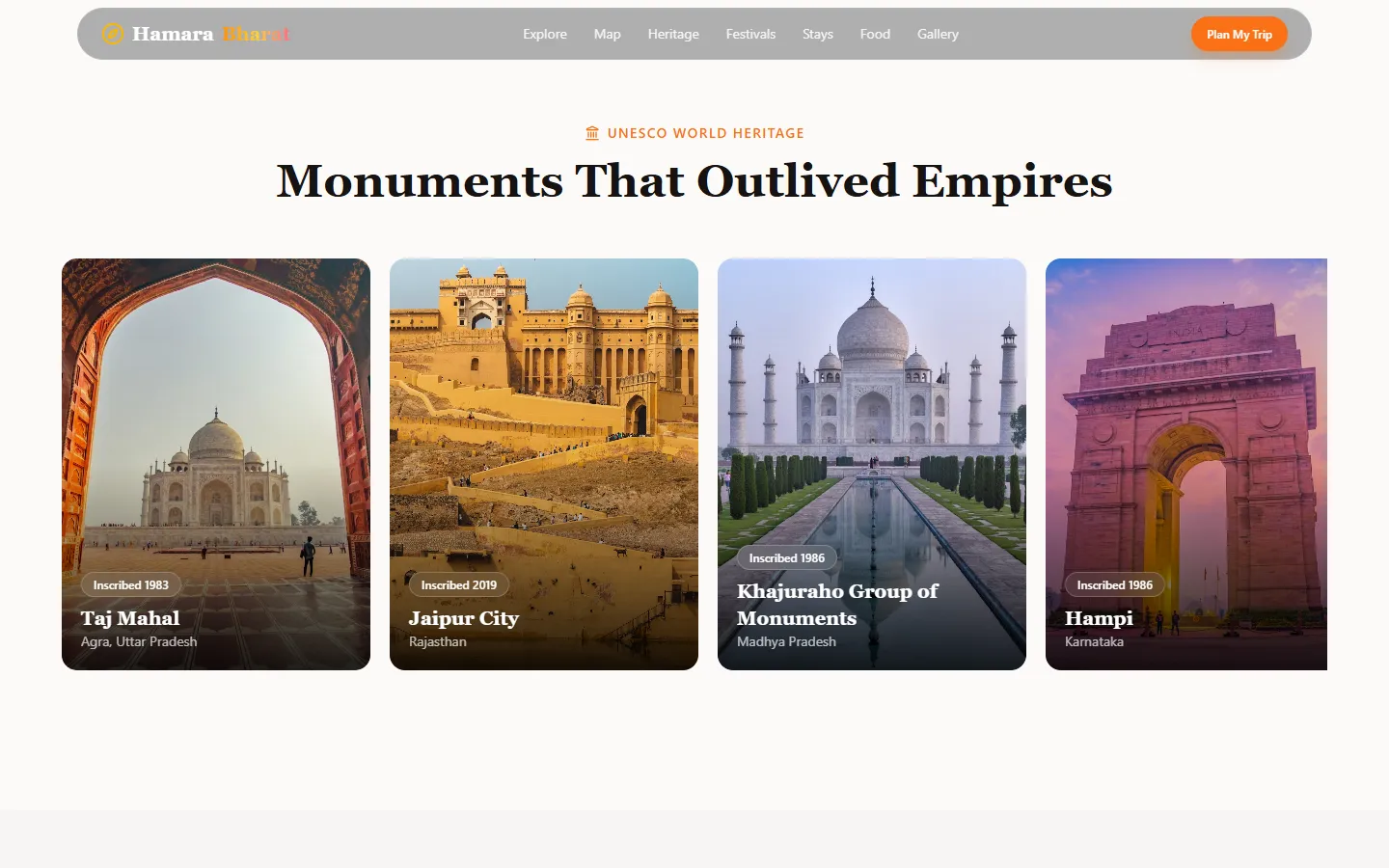
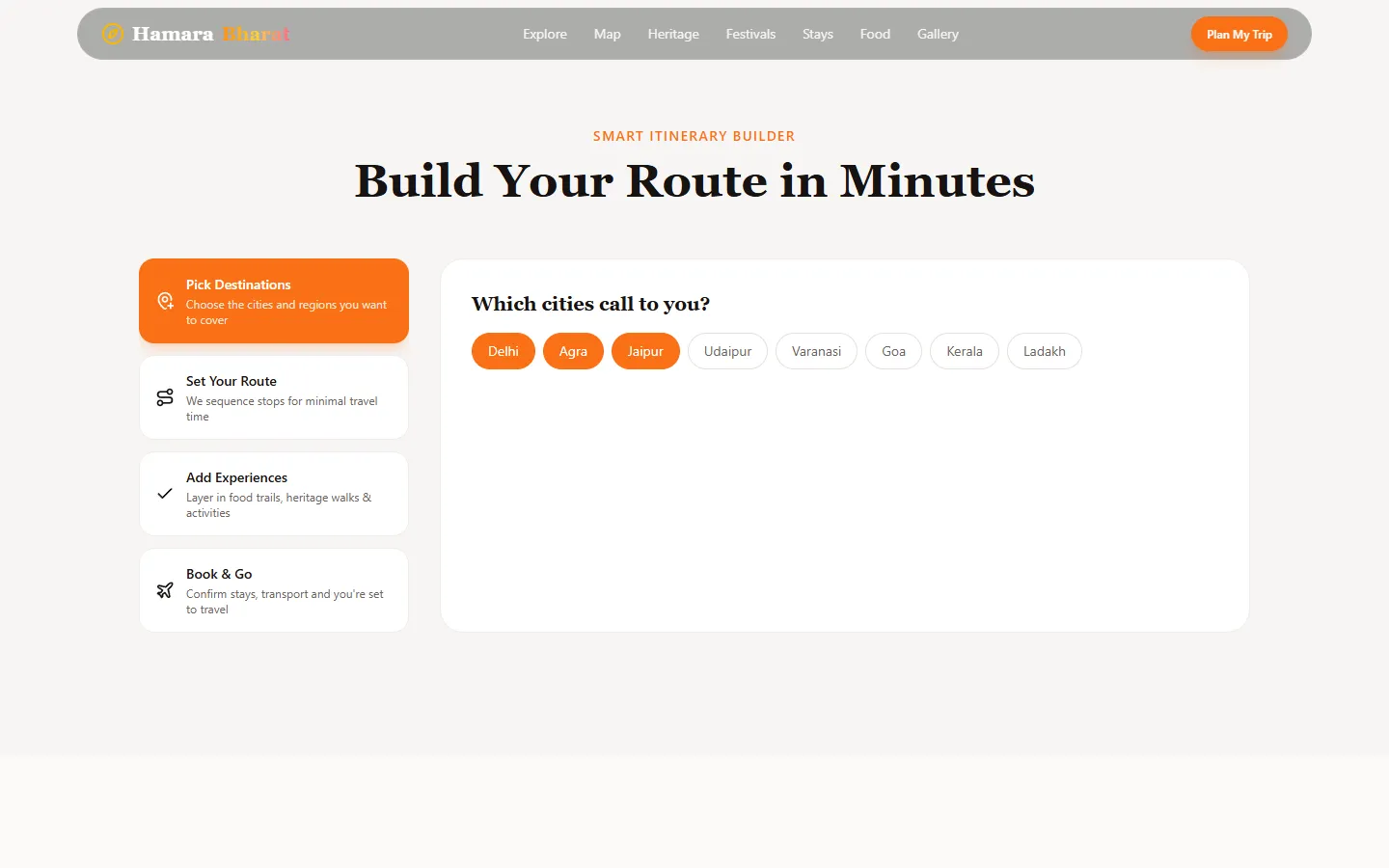
Click a screenshot to open it full size, or explore everything in the live preview.
Quick start
You need Node.js 20 or newer and npm. Clone the repository, install the dependencies and start the dev server:
git clone https://github.com/codespanda/hamara-bharat.git
cd hamara-bharat
npm install
npm run dev
Then open http://localhost:5173. Changes reload instantly. You can also download the code as a ZIP from GitHub (Code → Download ZIP).
Scripts
npm run devStart the Vite dev server with hot reloadnpm run buildType-check and build the production site into dist/npm run previewServe the built dist/ folder locally to check itnpm run lintLint the code with OxlintProject structure
Built with Vite and TypeScript. The parts you'll work in most:
src/
  components/
    sections/          Hero, IndiaMap, Experiences, Festivals, FoodTrails, Unesco,
                       Hotels, Gallery, TripPlanner, ItineraryBuilder, VisaInfo…
    icons/             Custom icons
    ui/                Reusable primitives
    Navbar.tsx  Footer.tsx
  data/
    destinations.ts    Destinations, images and descriptions
    indiaStates.ts     State data for the interactive map
  lib/                 Helpers
  App.tsx              Assembles the sections
  index.css            Tailwind v4 theme and CSS variables
Customise the content
src/data/destinations.tsThe destinations, descriptions and images shown across the site.src/data/indiaStates.tsState names and details used by the map section.src/components/sections/Section headings, copy and calls to action.Colors and theme
src/index.cssColors are set with CSS variables and the Tailwind v4 @theme block. Animations use Framer Motion.Pages and routing
A single-page site with anchor links between sections; there is no router to configure.
Deployment
npm run build writes a static site to dist/, so it runs on any static host. The repository is set up for GitHub Pages:
- 1In the repository, open Settings → Pages and set Source to GitHub Actions.
- 2Push to the default branch. The workflow in .github/workflows/ builds the site and publishes it.
- 3To use your own domain, add it under Settings → Pages → Custom domain.
npm run build with output folder dist.License
Hamara Bharat is free and released under the MIT license. Use it for personal and commercial projects, including client work, with no attribution required beyond keeping the license notice in the code.