
Screenshots
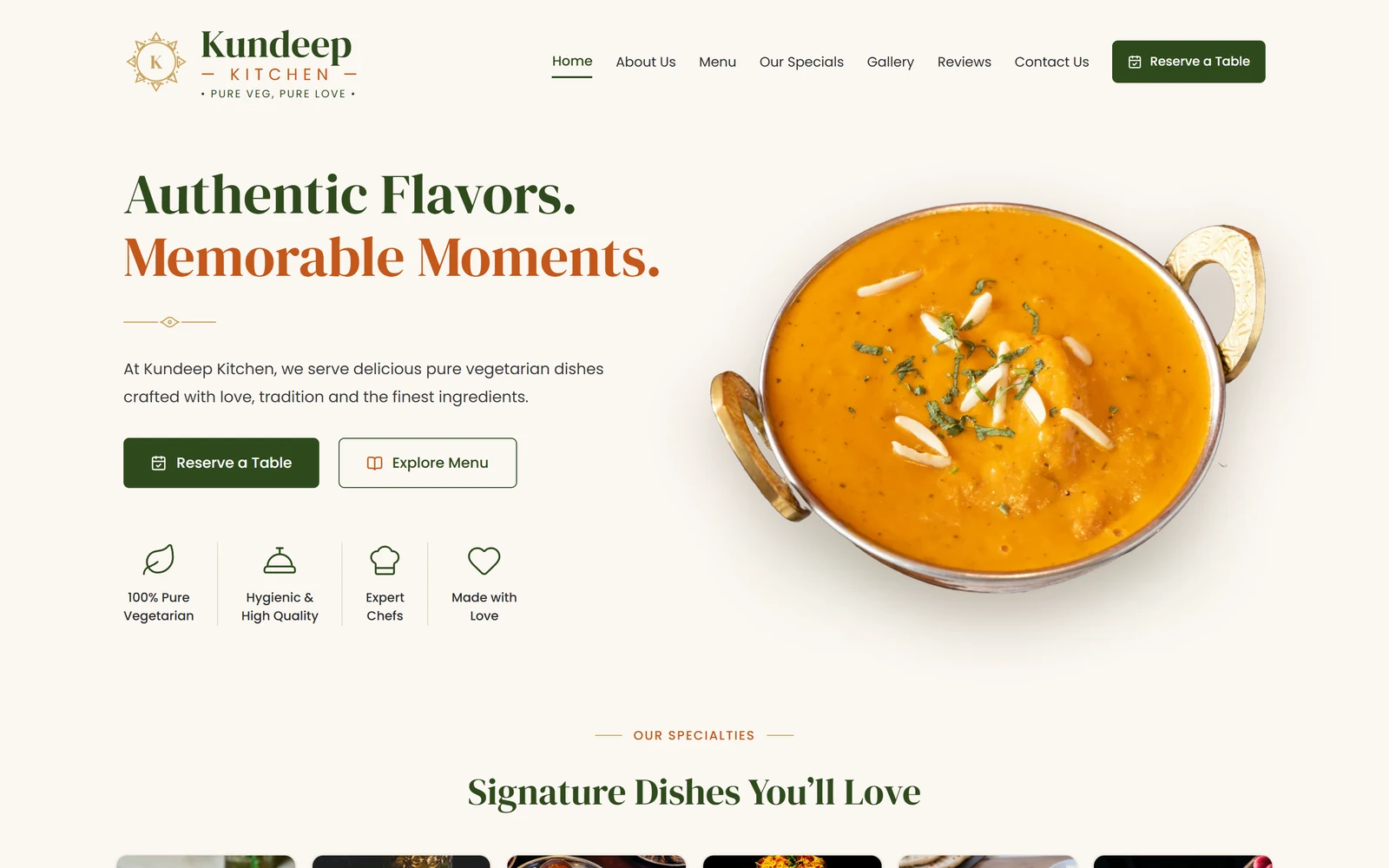
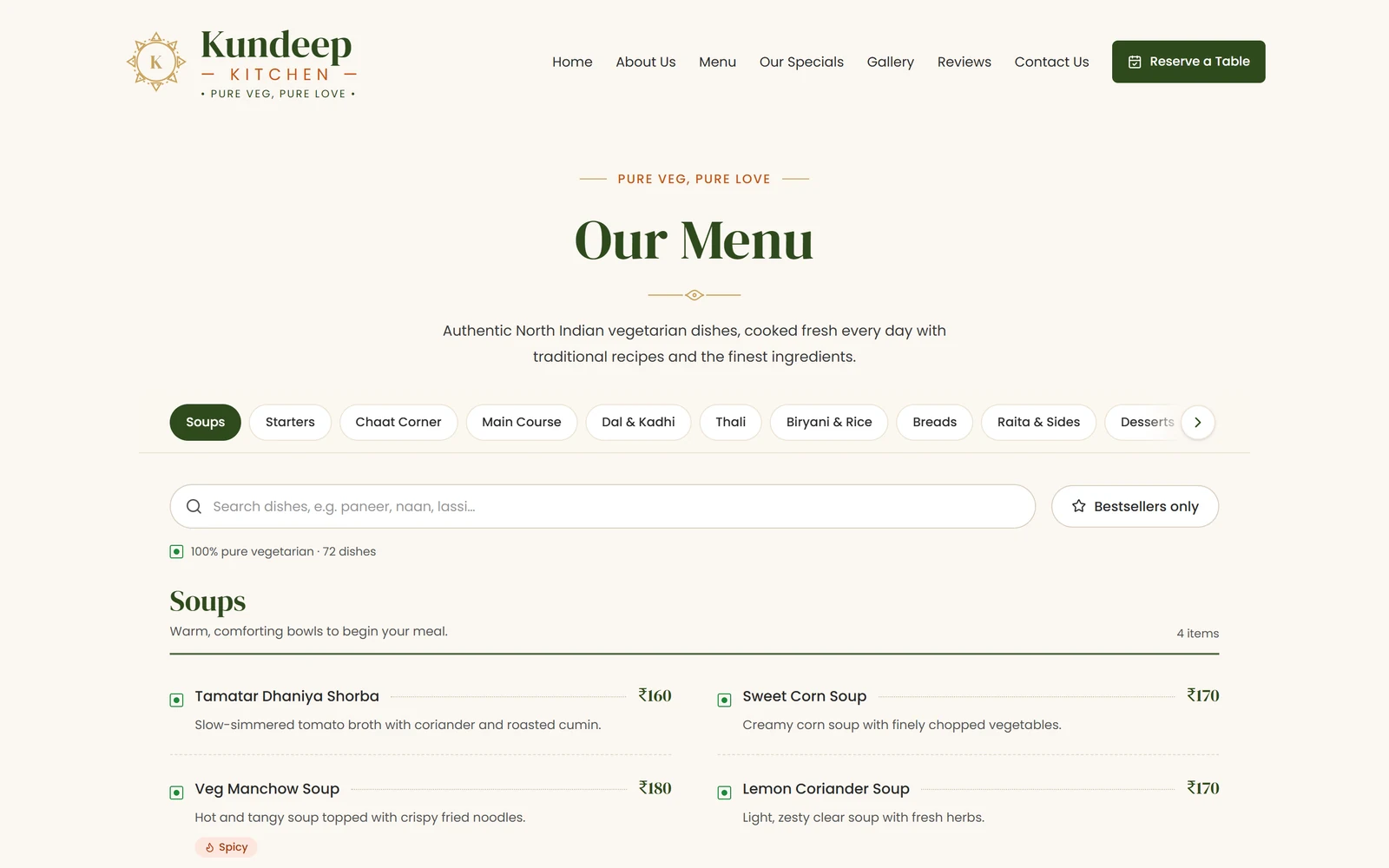
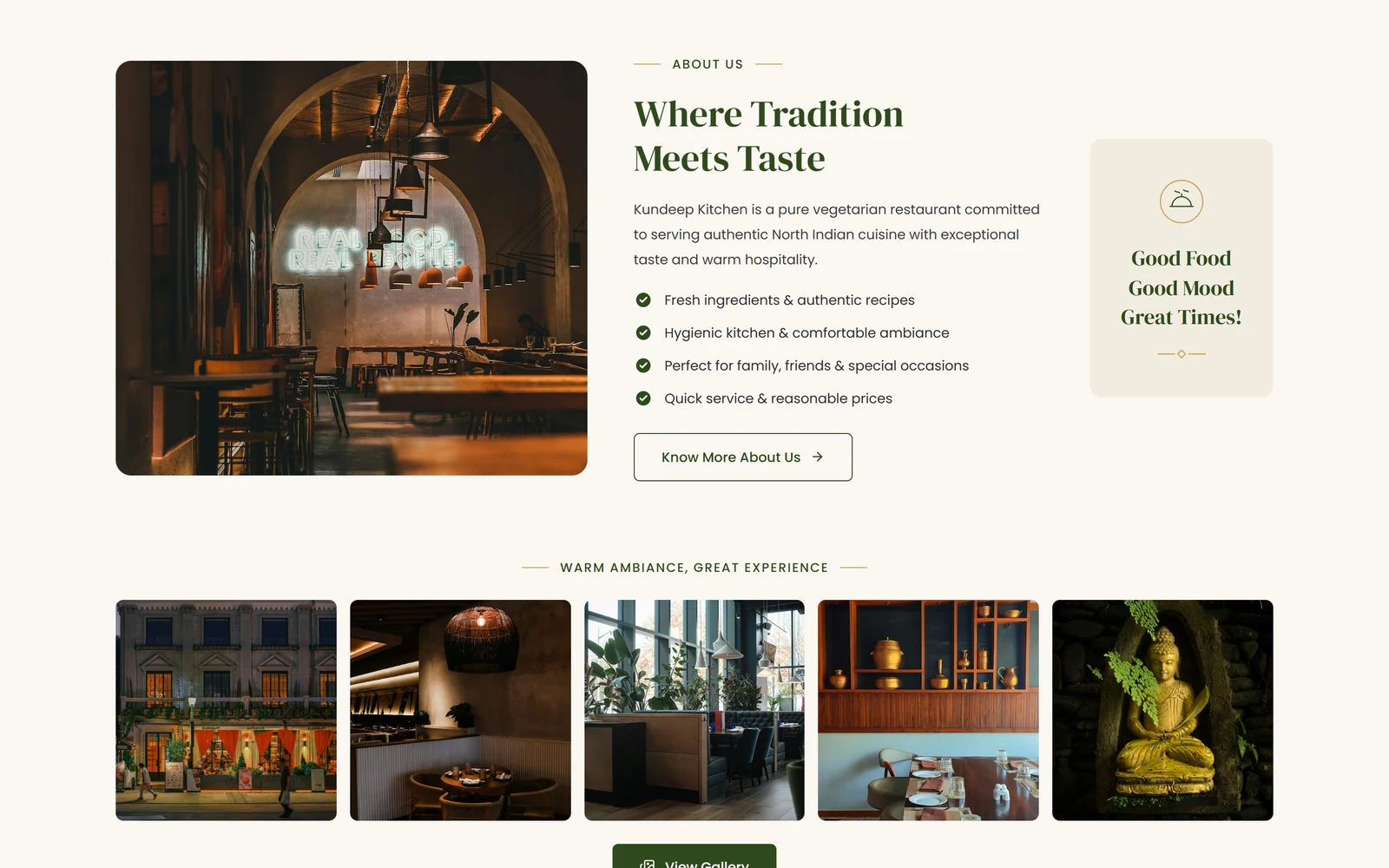
Click a screenshot to open it full size, or explore everything in the live preview.
Quick start
You need Node.js 20.9 or newer and npm. Clone the repository, install the dependencies and start the dev server:
git clone https://github.com/codespanda/kundeep-kitchen.git
cd kundeep-kitchen
npm install
npm run dev
Then open http://localhost:3000. Changes reload instantly. You can also download the code as a ZIP from GitHub (Code → Download ZIP).
Scripts
npm run devStart the Next.js dev servernpm run buildExport the static site into out/ (a post-build step fixes prefetch files for static hosts)npm run lintLint the code with ESLintProject structure
Built with Next.js and TypeScript. The parts you'll work in most:
src/
  app/                 layout.tsx, page.tsx (home), menu/page.tsx, globals.css
  components/          Header, Hero, Specialties, About, Gallery, Reviews, CtaBanner, Footer
    menu/              MenuBrowser (tabs, search, filters)
    reservation/       Booking dialog, provider and Reserve button
  data/
    site.ts            Contact details, nav, dishes, gallery, reviews
    menu.ts            Menu categories, dishes, prices and tags
  lib/image-loader.ts  Adds the base path to images in the static export
public/images/         Dish, gallery and guest photos
scripts/               Post-build fix for static hosting
Customise the content
src/data/site.tsPhone, email, address and hours (the phone also receives WhatsApp bookings), nav links, signature dishes, about points, gallery and reviews.src/data/menu.tsMenu categories and dishes with prices, an optional price note and tags (bestseller, chef, spicy, new). Search and filters update automatically. The included dishes and prices are sample content.public/images/Replace the photos, keeping the same file names, or update the paths in site.ts.src/app/layout.tsxPage title and description (metadata).Colors and theme
src/app/globals.cssColors live in the Tailwind v4 @theme block (cream, sand, forest, clay, gold…). Fonts are DM Serif Display and Poppins, loaded with next/font in layout.tsx.Pages and routing
Next.js App Router: src/app/page.tsx is the home page and src/app/menu/page.tsx is /menu. Add a folder with a page.tsx to add a page.
Deployment
npm run build writes a static site to out/, so it runs on any static host. The repository is set up for GitHub Pages:
- 1In the repository, open Settings → Pages and set Source to GitHub Actions.
- 2Push to main. The workflow builds the static export and sets PAGES_BASE_PATH for you (the repo name for a project site, empty for a custom domain).
- 3To use your own domain, add it under Settings → Pages → Custom domain.
npm run build with output folder out.Good to know
- The footer newsletter form only shows a thank-you message. Connect it to a provider such as Mailchimp in src/components/NewsletterForm.tsx.
License
Kundeep Kitchen is free and released under the MIT license. Use it for personal and commercial projects, including client work, with no attribution required beyond keeping the license notice in the code.