
Screenshots
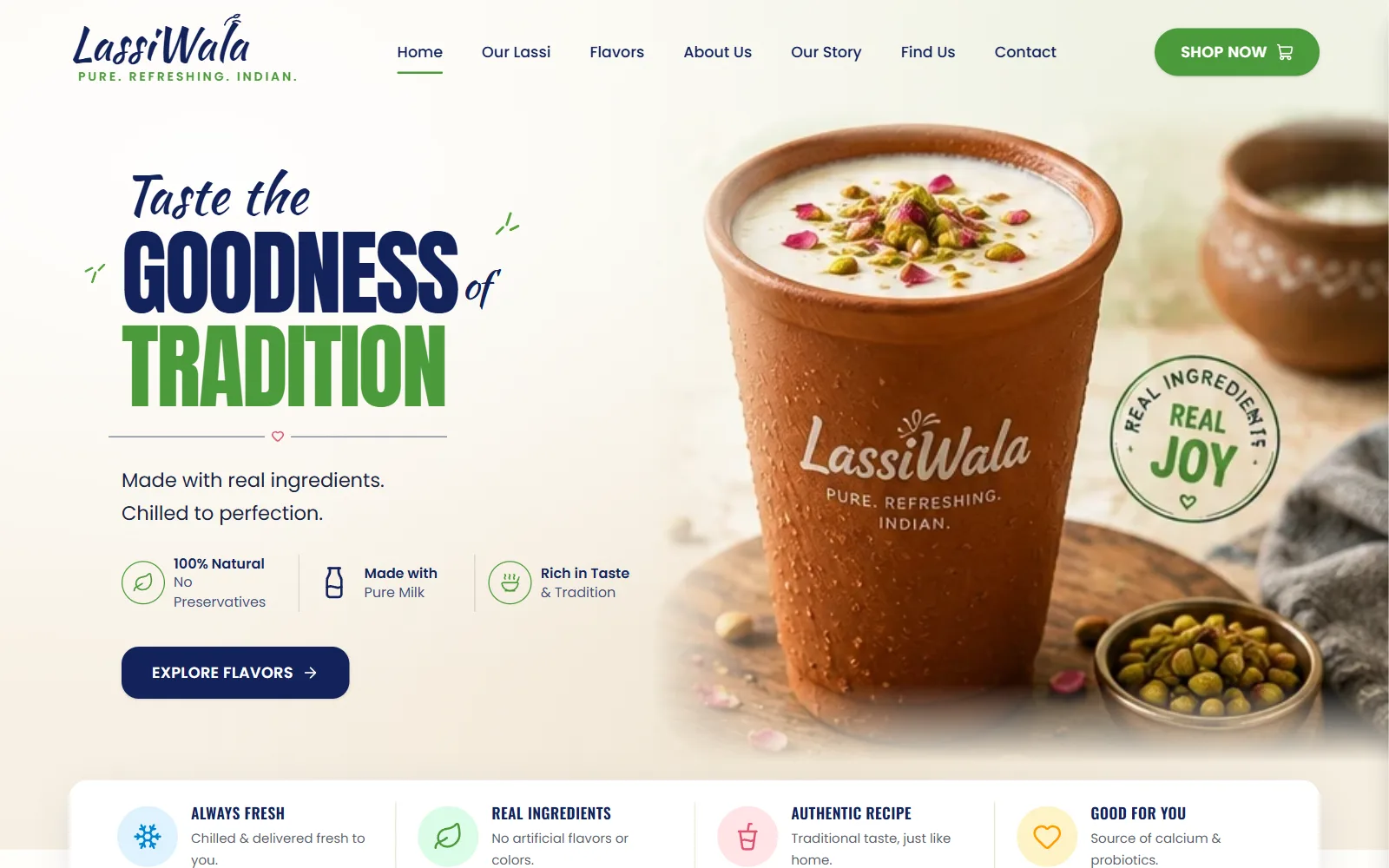
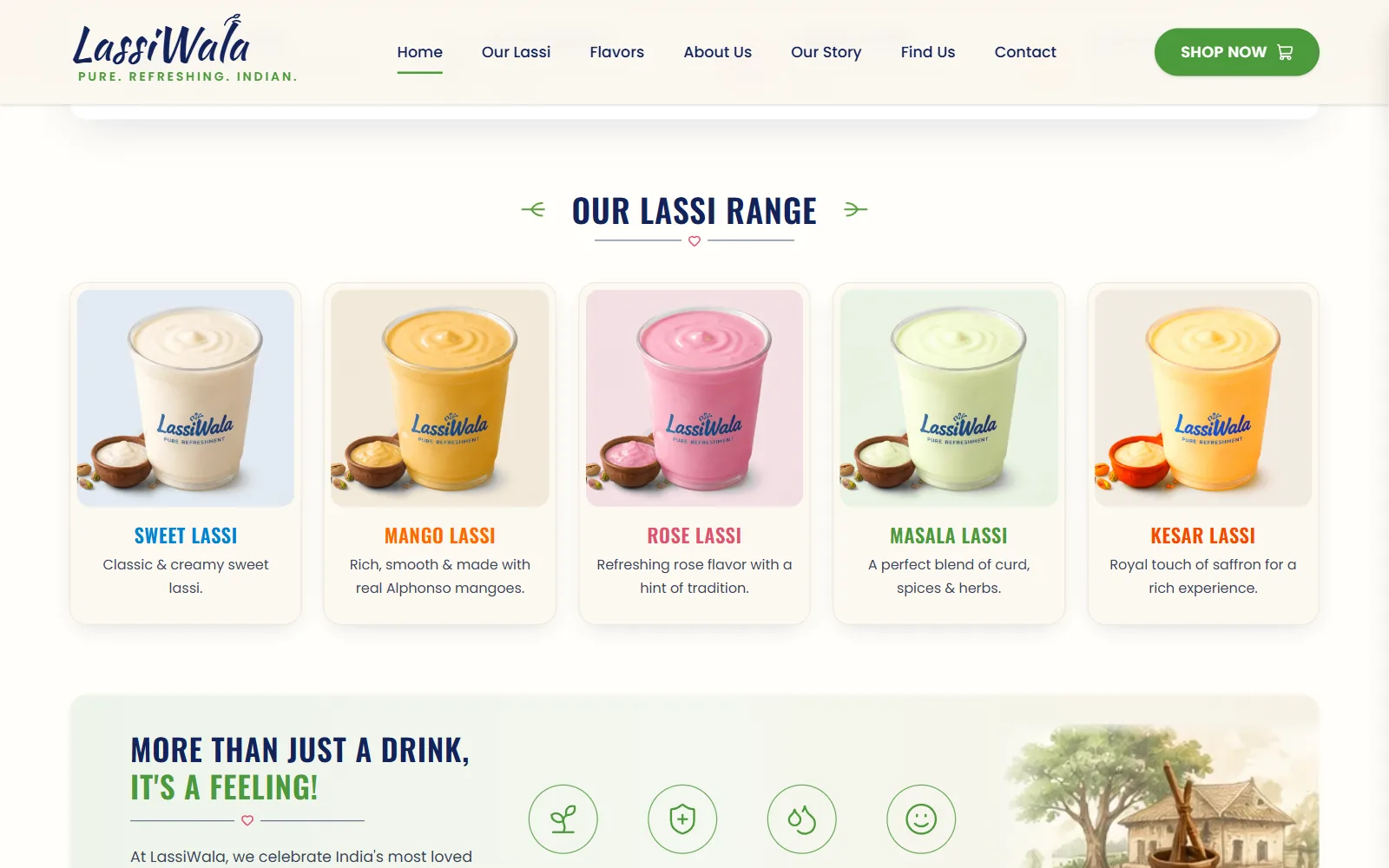
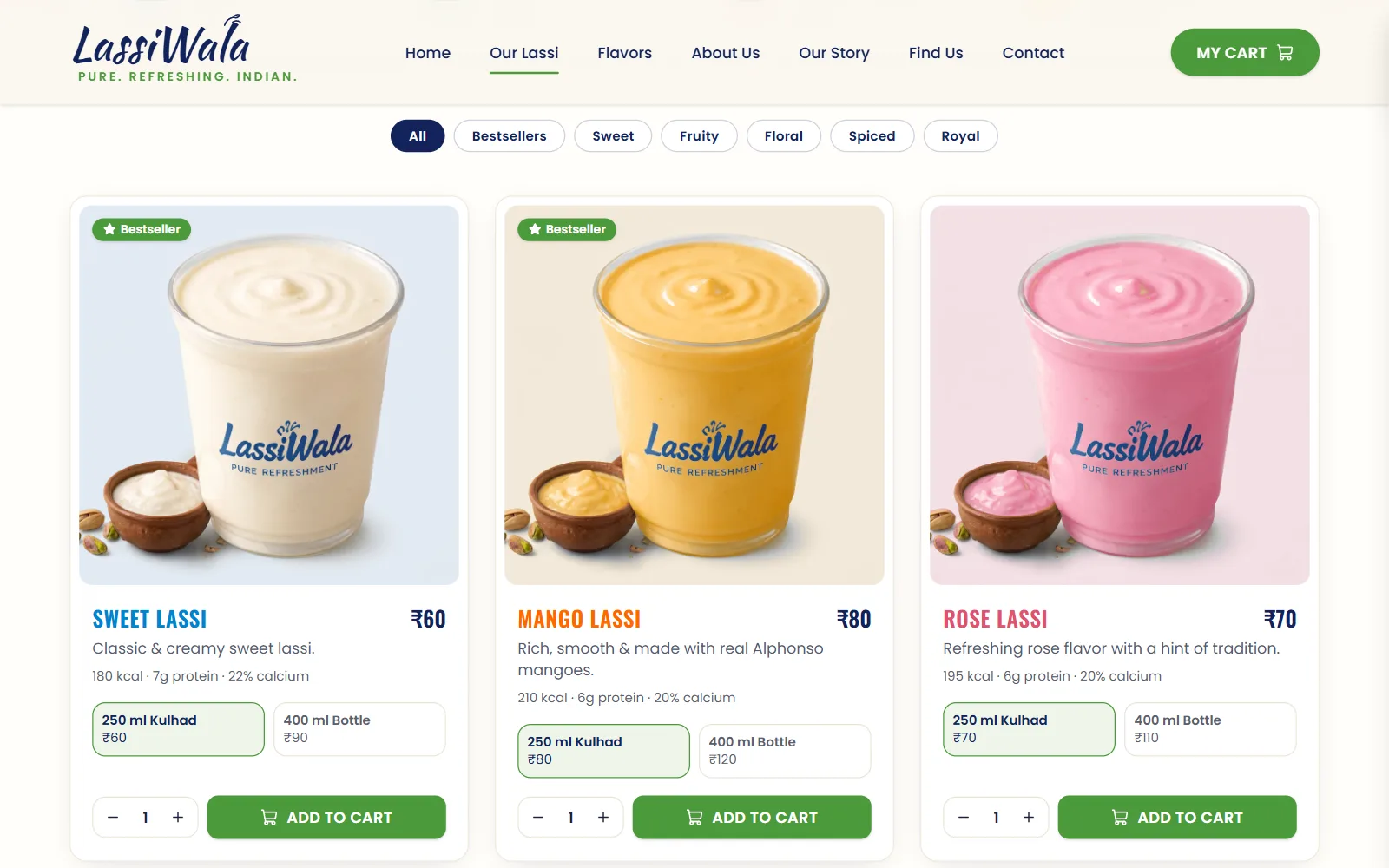
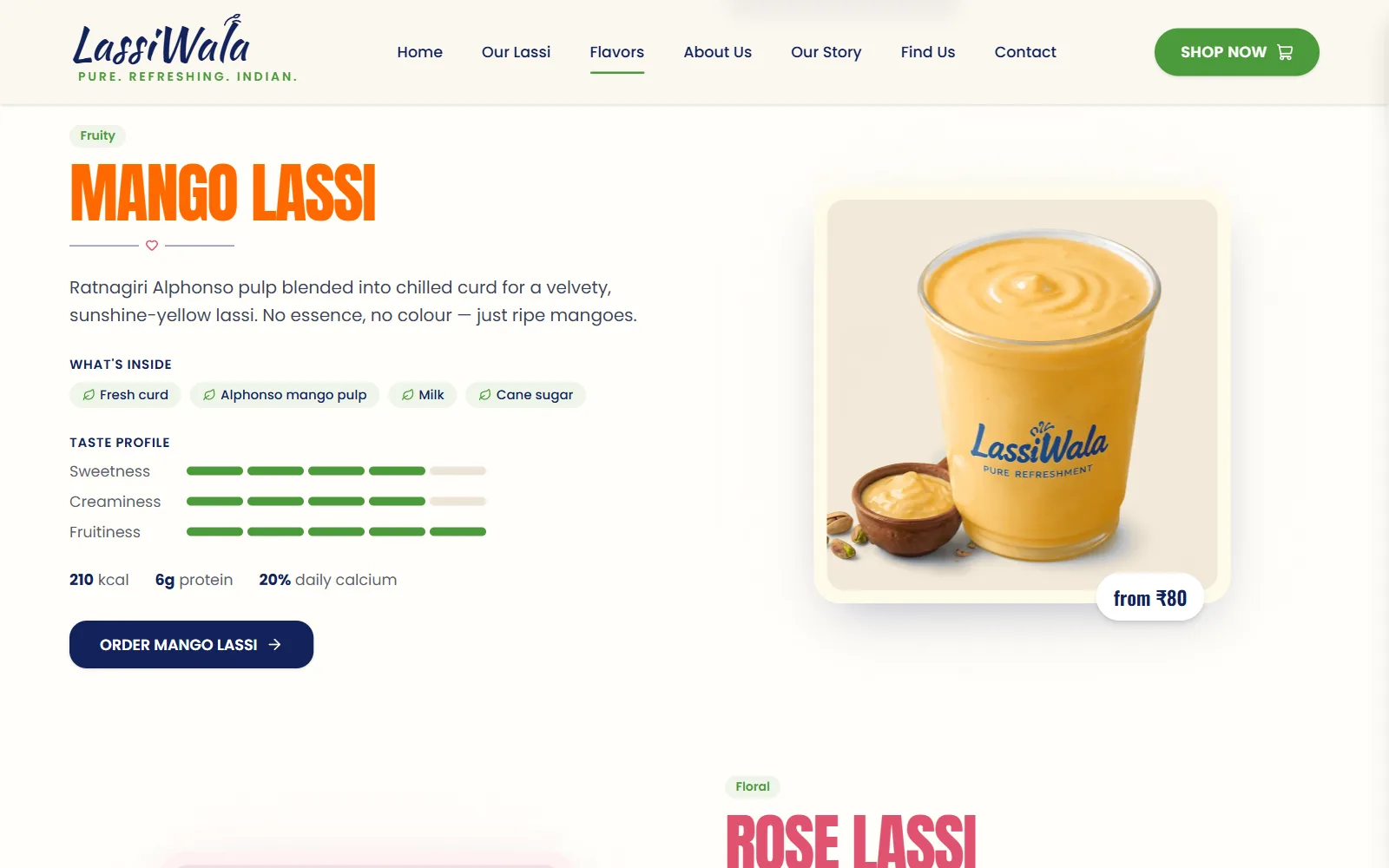
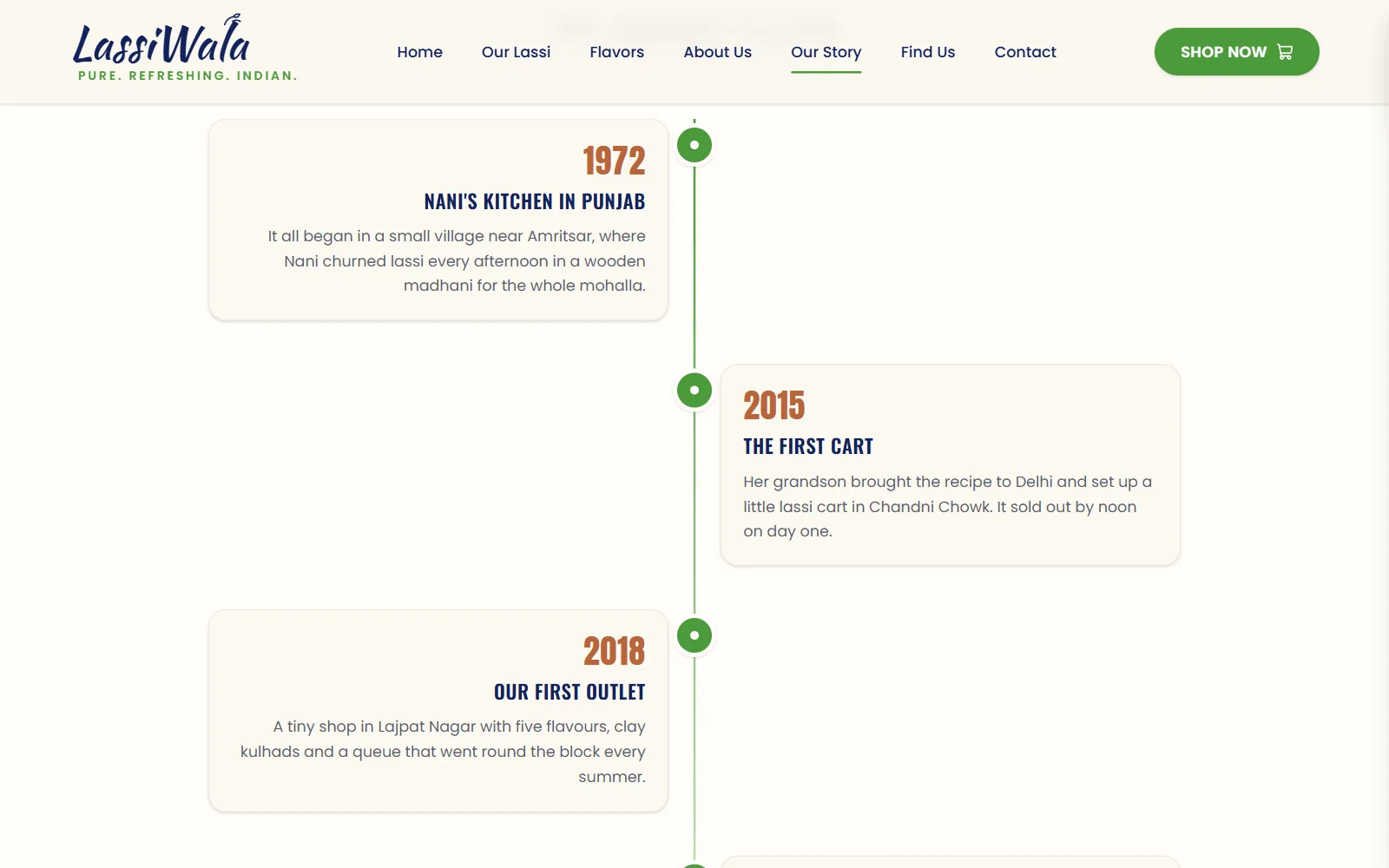
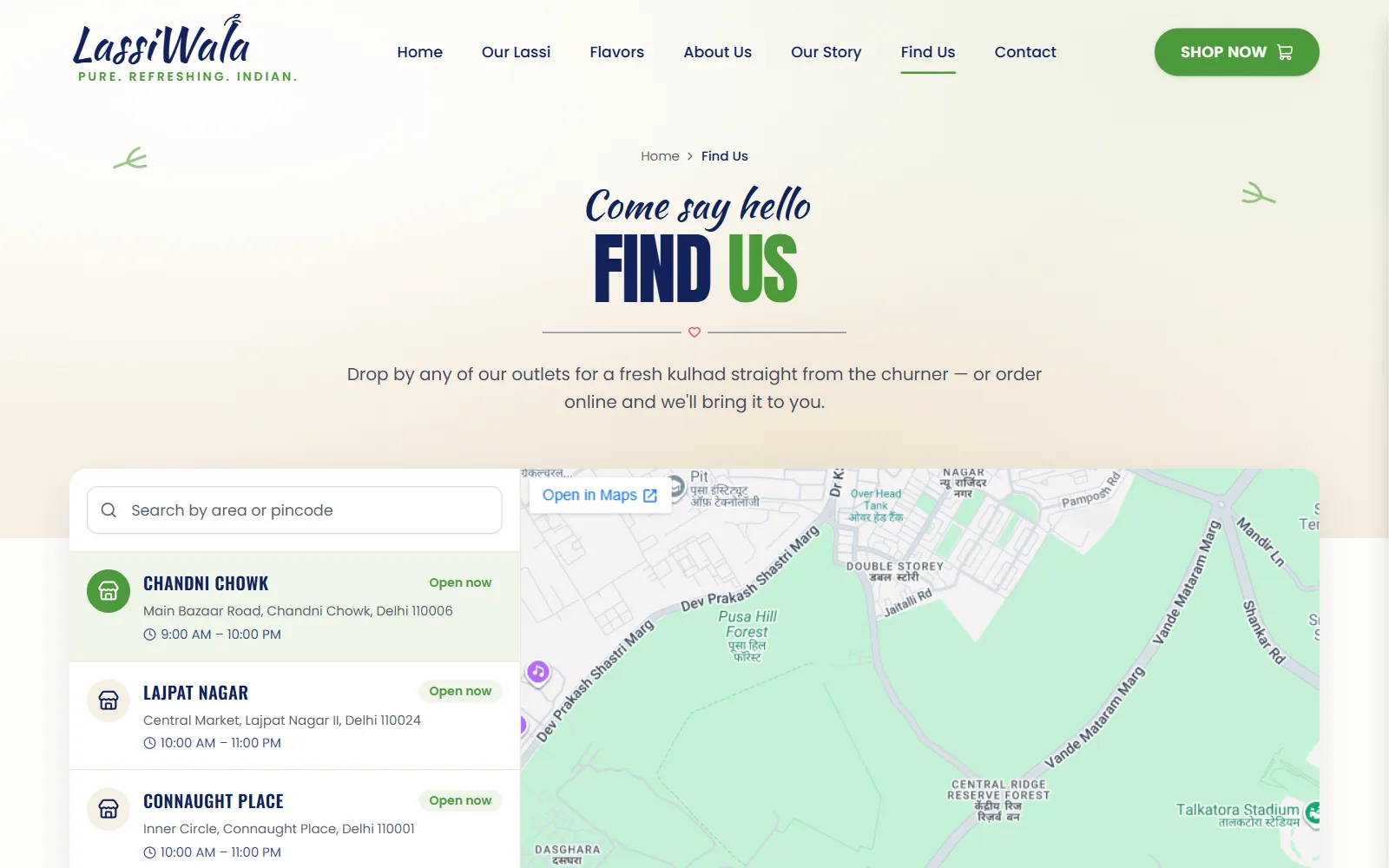
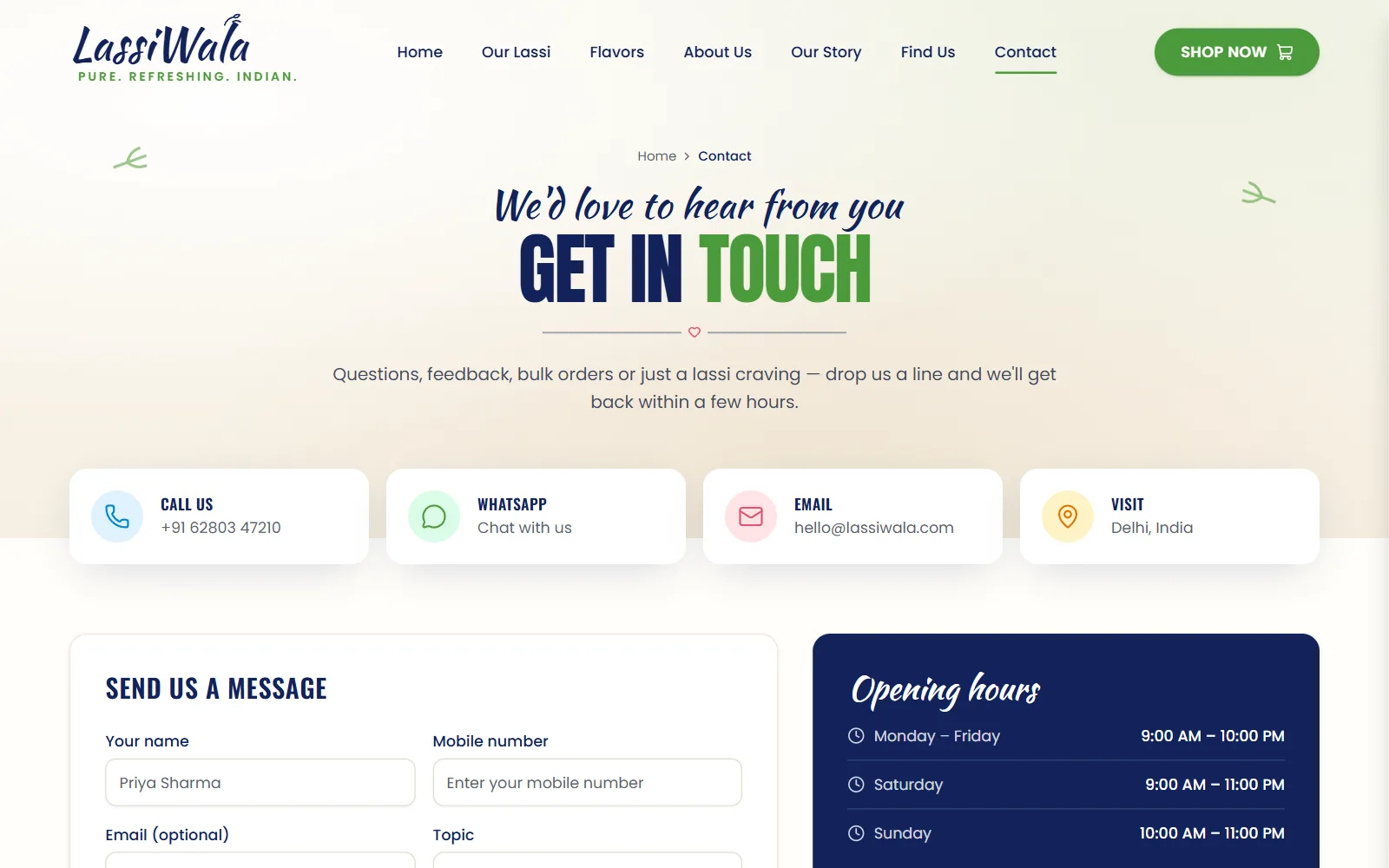
Click a screenshot to open it full size, or explore everything in the live preview.
Quick start
You need Node.js 20 or newer and npm. Clone the repository, install the dependencies and start the dev server:
git clone https://github.com/codespanda/lassiwala.git
cd lassiwala
npm install
npm run dev
Then open http://localhost:5173. Changes reload instantly. You can also download the code as a ZIP from GitHub (Code → Download ZIP).
Scripts
npm run devStart the Vite dev server with hot reloadnpm run buildType-check and build the production site into dist/npm run build:pagesBuild for GitHub Pages and copy index.html to 404.html for deep linksnpm run previewServe the built dist/ folder locally to check itProject structure
Built with Vite and TypeScript. The parts you'll work in most:
src/
  pages/               Home, OurLassi (shop), Flavors, About, OurStory, FindUs,
                       Contact, Policy (shipping, returns, terms, privacy), NotFound
  components/
    sections/          Header, Hero, Highlights, LassiRange, Feeling, Testimonials,
                       OrderBanner, Footer
    layout/            Layout, PageHero, CartSheet
    ui/                shadcn/ui primitives: button, card, badge, input, textarea,
                       accordion, sheet
    ornaments.tsx      Logo, heart divider, leaf sprigs and section titles
  context/cart.tsx     Cart state, saved to localStorage
  data/flavors.ts      Flavours, prices, sizes, ingredients and nutrition
  assets/              Product photos, hero and illustrations
  App.tsx              Routes
  index.css            Theme colors, fonts and Tailwind v4 setup
Customise the content
src/data/flavors.tsThe five flavours with names, descriptions, photos, colours, taste profile, ingredients, nutrition and prices for each size. The home cards, shop, flavour pages and cart all read from it.src/pages/FindUs.tsxThe outlets list: name, address, area and opening hours. The address drives the map and the Directions button.src/pages/Contact.tsxContact cards, opening hours, head office and FAQs. Replace the sample phone, email and address before launch.src/pages/About.tsx src/pages/OurStory.tsxBrand copy, stats, values, the process steps and the story timeline — sample text to replace with your own.src/assets/Product photos (one per flavour), the hero kulhad and the village illustration. Keep the same file names to swap them in.index.htmlThe default title, description, fonts and favicon. Each route sets its own title in Layout.tsx.Colors and theme
src/index.cssColors are CSS variables in :root (navy --brand-navy: #13235b, green --brand-green: #4c9a3b, heart pink and cream), mapped into Tailwind v4 with @theme inline. Fonts are Anton and Oswald for headings, Kaushan Script for the script lines and Poppins for text, from Google Fonts.Pages and routing
React Router 6: routes are declared in src/App.tsx inside a shared layout (header, footer and cart). /policies/:slug renders the four policy pages from one component, and links like /flavors#rose-lassi scroll to that flavour.
Deployment
npm run build writes a static site to dist/, so it runs on any static host. The repository is set up for GitHub Pages:
- 1In the repository, open Settings → Pages and set Source to GitHub Actions.
- 2Push to the default branch. The workflow in .github/workflows/ builds the site and publishes it.
- 3The site is served from a custom domain, so vite.config.ts uses base '/'. To host it at github.io/<repo>/ instead, build with BASE_PATH=/<repo>/.
npm run build with output folder dist.Good to know
- Place Order, the contact form and the pincode check show confirmations but don't send anything. Connect them to your ordering backend, payment gateway or form service.
- Prices, outlets, stats and the story timeline are sample content — replace them before launch.
License
LassiWala is free and released under the MIT license. Use it for personal and commercial projects, including client work, with no attribution required beyond keeping the license notice in the code.